Add a quiz to every beehiiv post.
Atrivial generates a quiz from your content. Readers can choose an answer in the HTML email and keep playing on your branded quiz page.

Trusted by newsletter operators









Set it up in beehiiv.
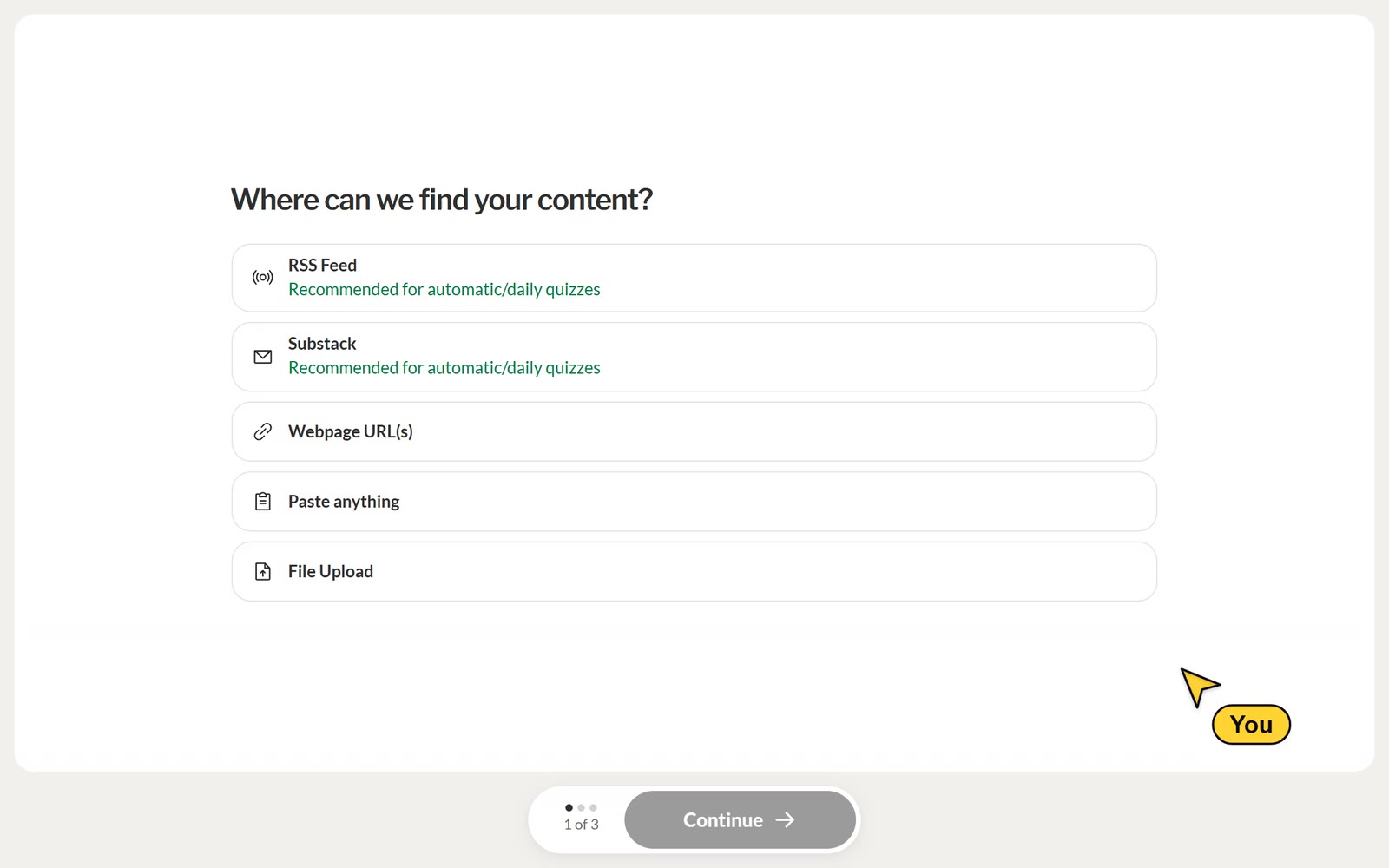
Choose beehiiv as your email platform.
In the Atrivial Portal, select Interactive first question to show the opening question in your newsletter.
Copy the HTML from Output.
For recurring quizzes, choose Auto-Updating Email to reuse the same code as new quizzes go live.
Paste it into your beehiiv post.
Add an HTML Snippet block and preview the email before sending. Include a quiz link for readers who use plain text.


Why Atrivial?
Why engagement decides what a newsletter earns
Your subscriber count gets a sponsor's attention, but engagement decides what they'll pay and whether they come back. It's also what keeps readers around long enough to upgrade, reply or recommend you.
Read the full article
Works with the tools around your newsletter.
Kit creators can add an Atrivial Quiz block to their emails now. See the Kit setup guide. Integrations with SparkLoop, Substack, and CrossLetter are coming soon.
Contact us about integrations Live
Coming soon



Go deeper on any step.
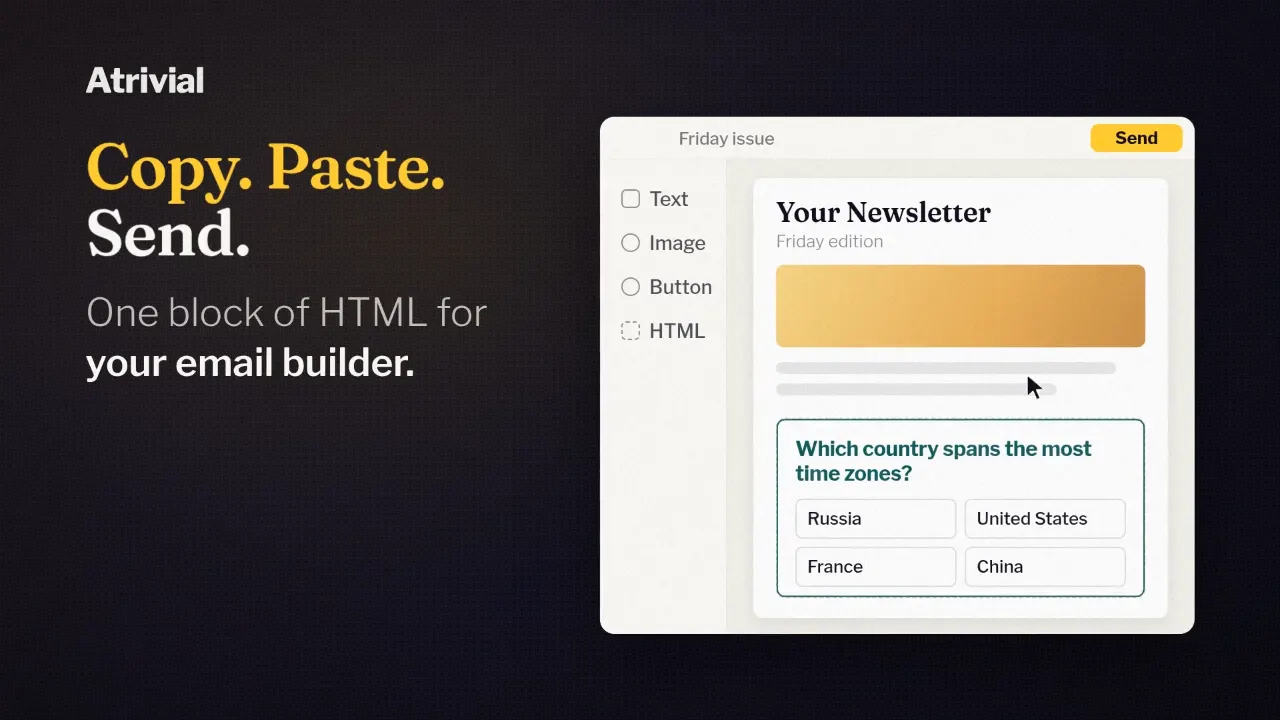
Add a quiz to your email in one paste
One block of HTML for your email builder.
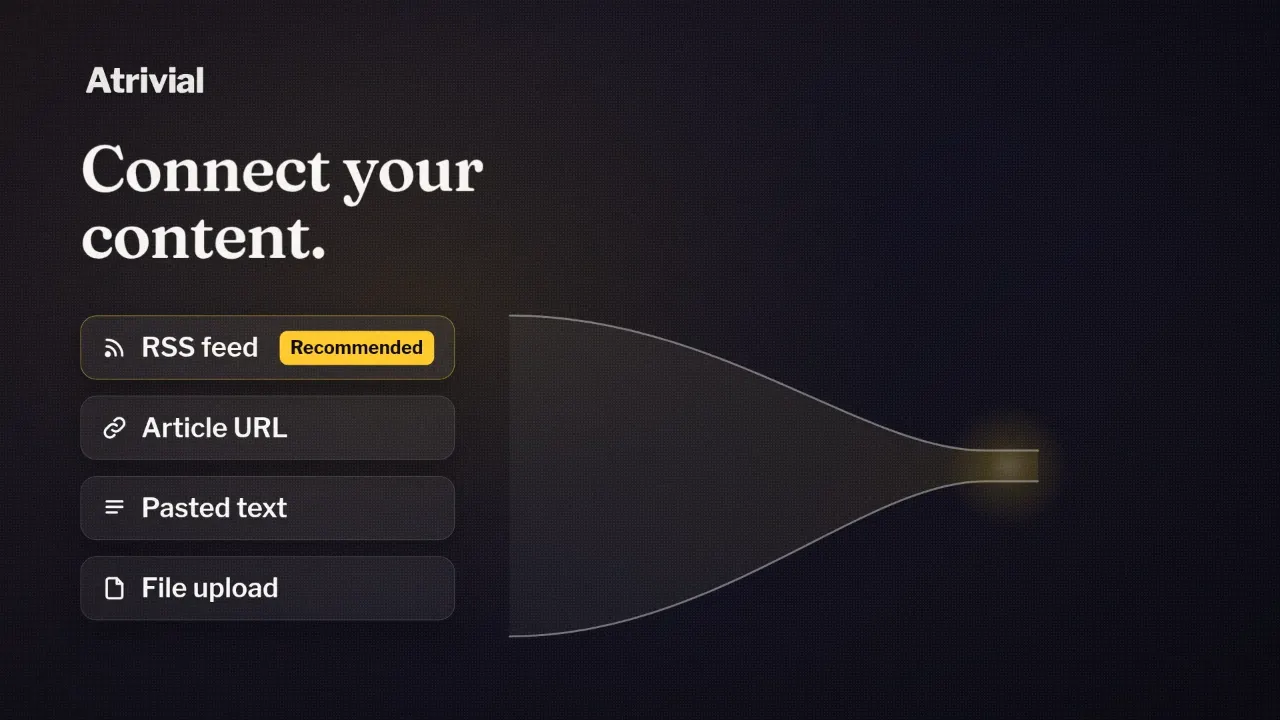
Every way to bring your content into Atrivial
An RSS feed, an article URL, pasted text or a file upload.
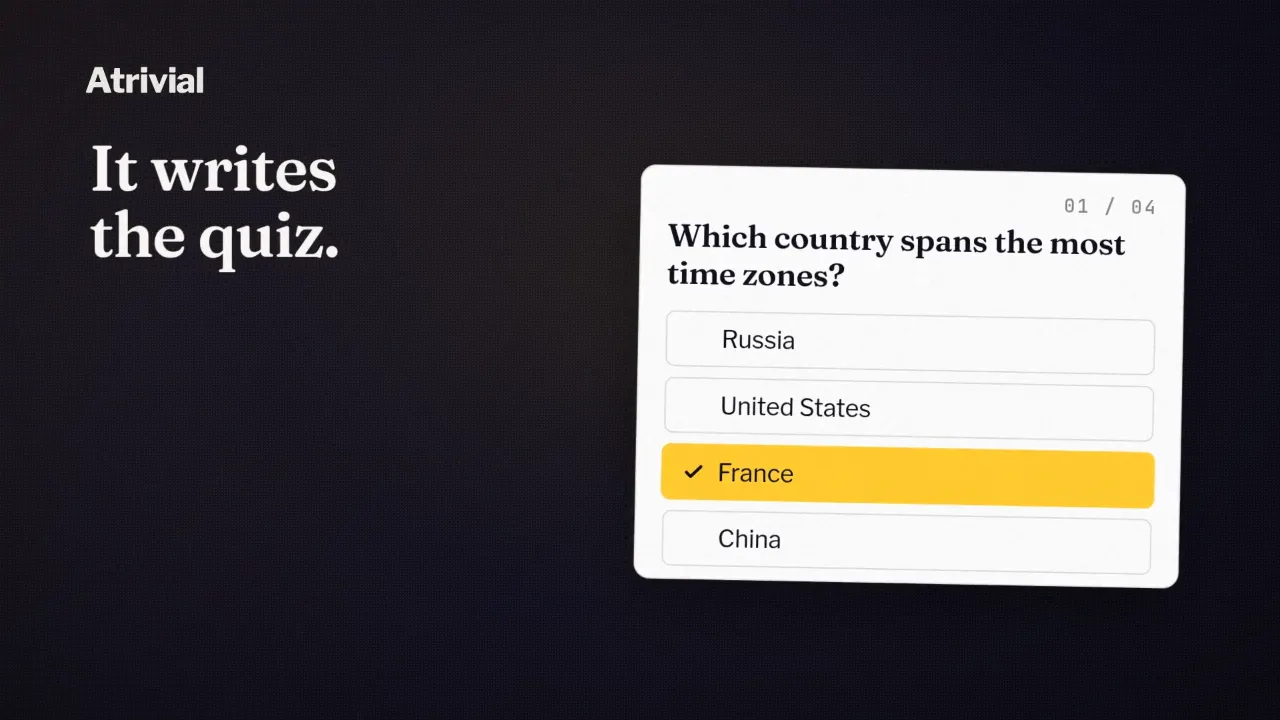
How Atrivial generates each quiz
Drafted questions, one right answer, three believable wrong ones and your final check.
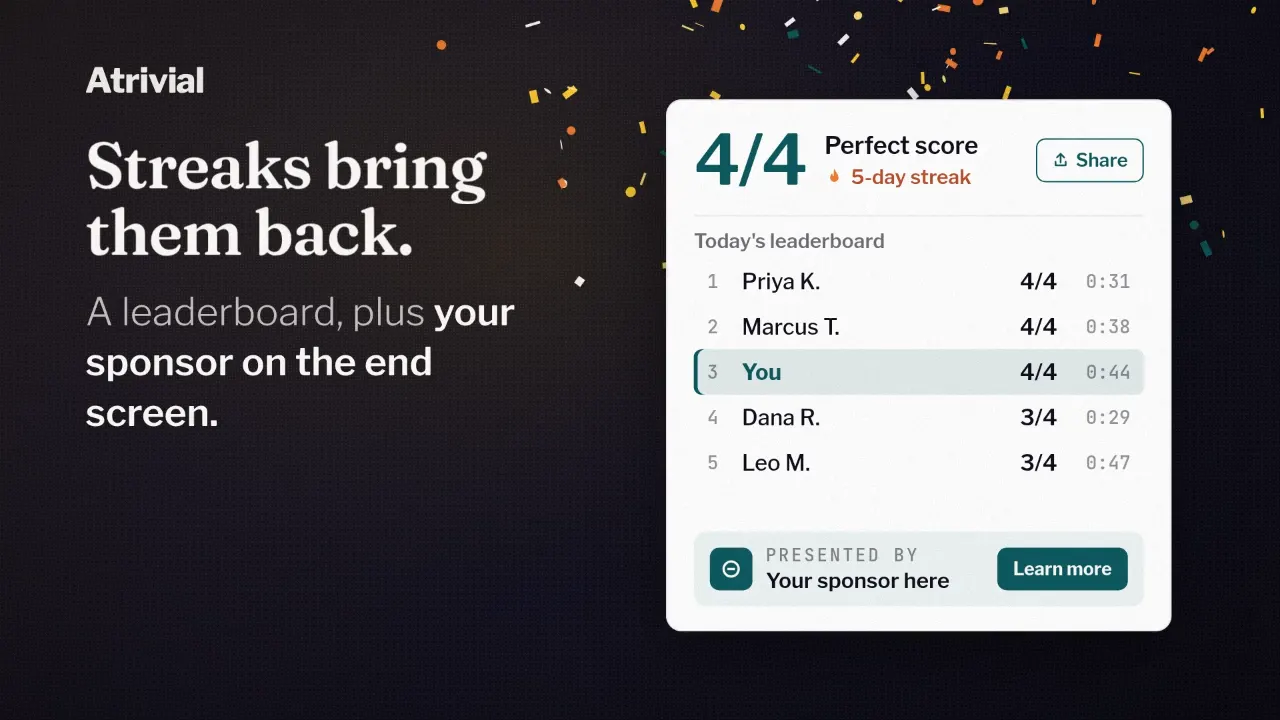
How streaks bring readers back
A streak and a leaderboard give readers a reason to come back for your next edition.