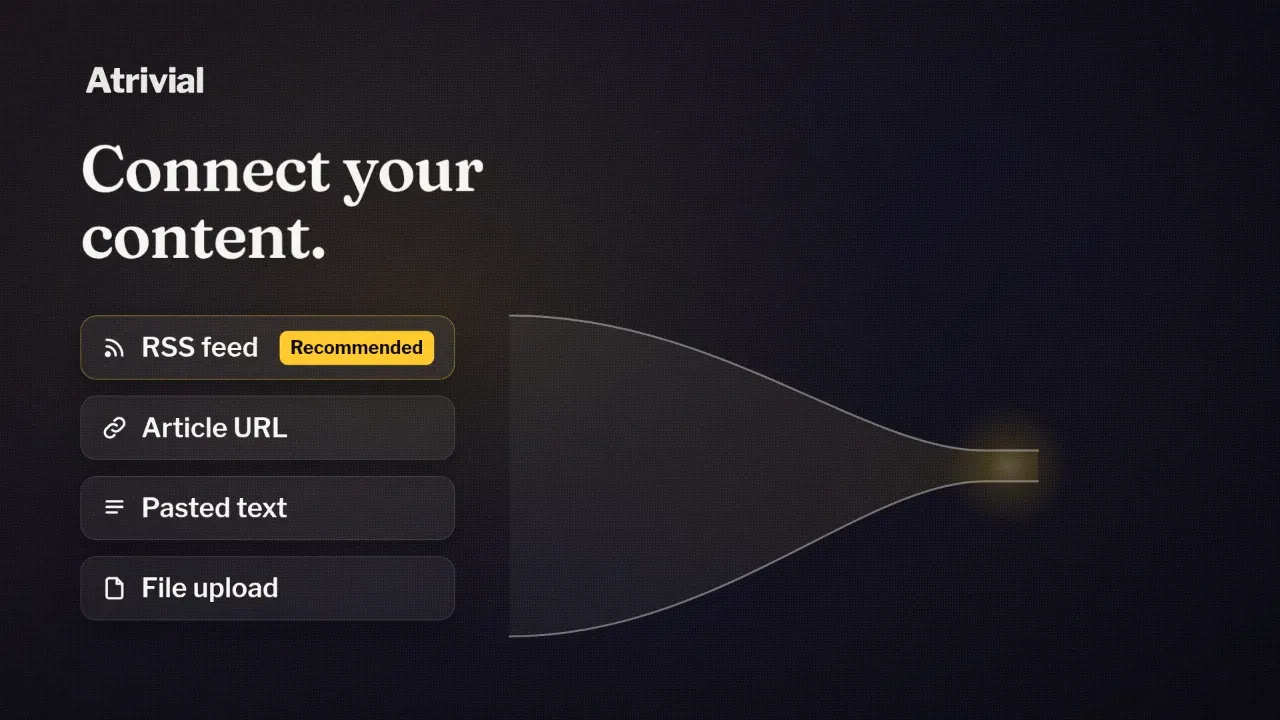
Every way to bring your content into Atrivial
An RSS feed, an article URL, pasted text or a file upload.
Your content already lives somewhere. It might be a feed your site updates on its own, a Substack, your Kit emails or an issue you're still drafting. Atrivial generates quizzes from any of those, so adding a quiz doesn't mean changing how you publish.
Below is each content source in the Atrivial Portal, the publisher side of Atrivial where you set up and manage quizzes. For each one, you'll see what it's good for and where it stops.
Where you choose a source
When you start a new quiz, Atrivial first asks "What should trivia be based on?" Choose Use my content. The quiz then opens in its workspace, a set of steps that starts with Input and ends with Output, where you copy what goes in your email.
Input asks "Where can we find your content?" and shows a card for each source. From there it takes five steps.
- Start a new quiz and choose Use my content.
- Pick a source card and add your feed, links, text or file.
- Set the number of questions. The default is four.
- Open Advanced settings if you want to add a writing style or question instructions.
- Click Generate questions.
Feeds that keep up on their own
Three sources carry the label Recommended for automatic/daily quizzes. They bring in new posts without you copying anything, which is what a recurring quiz needs. If your site has a feed, we'd start there.
RSS Feed needs your feed URL. Open Article filters to decide which posts count. Days to include, Article age and Title contains sit up front, and More filters adds URL, category or tag, and section heading terms. A Currently matching line shows what your filters let through. Article limit sets how many of the newest matching posts each quiz draws from, and it starts at one.
For Substack, enter your Substack address or your custom domain. Atrivial finds the public feed behind it and handles it like any other RSS feed, with the same filters and limits.
Kit emails appears once you've connected Kit to Atrivial with access to your posts. It builds quizzes from recent Kit posts or the ones you pick.
Links, pasted text and files
Webpage URLs accepts one or more article links, and Atrivial shows how many valid URLs it found as you paste. Use it when one or two pieces carry the idea you want readers to play with.
Paste anything is for content that isn't online yet. Drop in an issue before it goes out, a recap, your notes or a list of topics.
File Upload accepts PDF, text, Markdown, CSV, JSON, HTML or XML files up to 10 MB. PDFs have to be text-based. After the upload, Atrivial shows how many characters it extracted, and Edit extracted text lets you trim or fix anything before you generate.
None of these three refreshes by itself. You can still put a link or pasted text on a schedule, but you'll need to update it before each run, or the quiz may stay the same.
What Atrivial does with your content
Before it generates anything, Atrivial strips page clutter like navigation, ads and related-article lists and keeps the content itself. It doesn't summarize your piece first.
Two limits apply. A single source longer than about 60,000 characters gets cut to its opening portion, and Atrivial generates from that part. For a very long document, paste the section you care about.
Paywalls are the second limit. When a feed marks a post as paywalled, Atrivial won't treat the free teaser as the whole article. If your best content sits behind a paywall or a login, paste the text or upload a file instead.
The questions are generated to stand on their own, so readers who haven't read your piece can still play.
Which source to start with
For a new quiz every day or week without copying anything, connect RSS Feed, Substack or Kit emails. One strong piece makes a good single quiz through Webpage URLs. Content that isn't public can come in through Paste anything or File Upload.
Every source is available on both the Individual and Business plans. The plan differences sit elsewhere, mostly in website embeds, sponsor placements, analytics history, generation allowance and the High Quality AI mode.
Connect your feed or paste your latest issue, and see what Atrivial generates from it.
Start a 14-day free trial