A fresh quiz every morning, on your schedule
Set it once, then review each new quiz before it goes live.
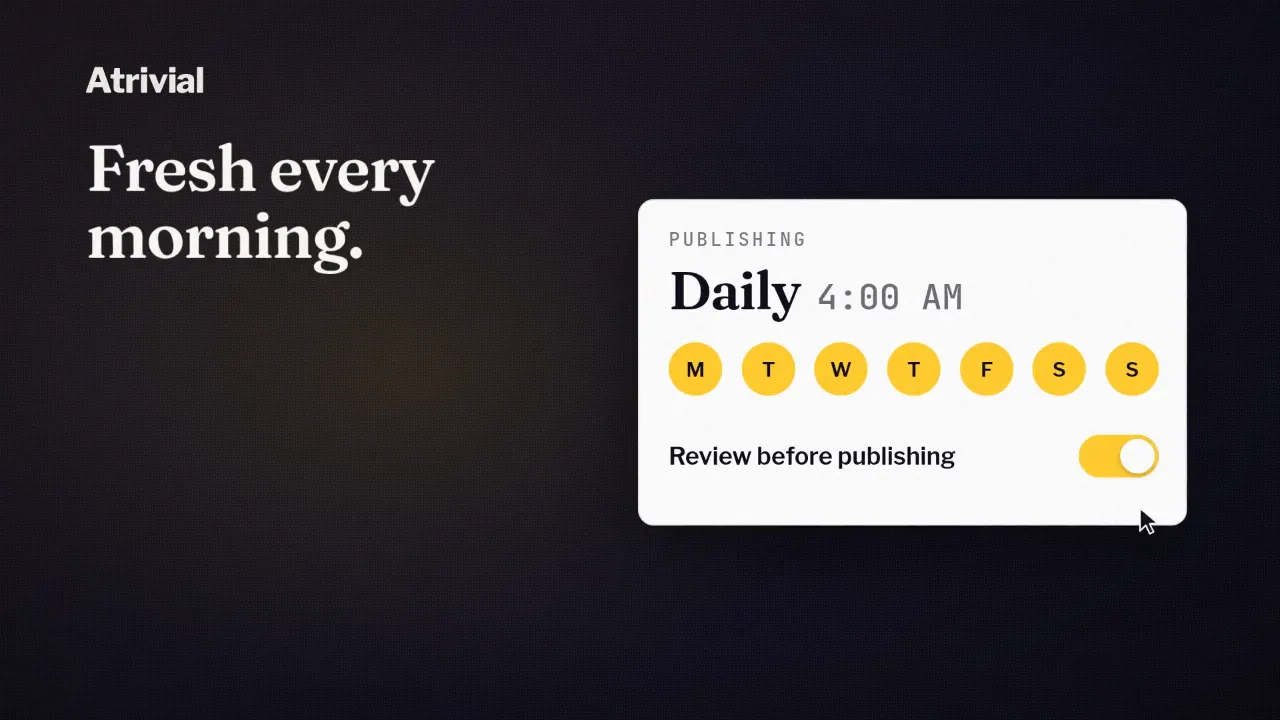
At 4 PM, Atrivial starts generating tomorrow's quiz from the newest post in your feed. Sometime that evening you read it over, fix anything that needs it and click Approve. At 4 AM it goes live, and the email code you pasted into your template once shows the new question.
That's Atrivial's default for a recurring quiz, with a daily cadence, a 4 AM go-live and a 12-hour review window. You can change every part of it.
Set the schedule once
Each quiz has a Schedule step in its workspace in the Atrivial Portal. Choose recurring, then set three things. Cadence can be Daily, Weekdays, Weekends, Weekly or Custom days. Go Live Time is when each new quiz takes over from the current one, so set it ahead of your send. Timezone makes sure 4 AM means your 4 AM.
Recurring works best with a source that brings in new content by itself. In Input, RSS Feed, Substack and Kit emails are marked Recommended for automatic/daily quizzes. Each run draws on the newest posts that match your article filters, up to your Article limit. Atrivial skips posts it has already used for that quiz, and Prefer new articles, which is on by default, favors posts published since it last checked your feed.
Review each quiz before it goes live
Schedule asks "How should future quizzes go live?" and Review before publishing is the default answer. Each new quiz stays in draft until someone approves it, and the current quiz stays live in the meantime.
The review window decides when that draft shows up. Schedule asks "When should the draft be ready?" and starts you at 12 hours, so Atrivial starts work on a 4 AM quiz at 4 PM the day before. Set it for when you actually have time to read. The window has to fit between one go-live and the next, and Schedule shortens it if it doesn't.
Day to day, it runs like this.
- At the start of your review window, Atrivial generates the next quiz into the Upcoming Draft tab.
- You read it and edit any question, answer or fun fact.
- You click Approve.
- It goes live at your Go Live Time, or sooner if you click Go Live Now.
- If nobody approves it in time, the current quiz stays live.
If you'd rather not approve every day
The other option, Publish automatically, sends each new quiz live on schedule without approval. The Portal is upfront about the tradeoff. Unreviewed AI output can reach your audience. The review window still applies, so you can open the draft and edit it before it goes live.
Atrivial doesn't run a separate fact check on quizzes generated from your content, so we'd keep review on for your first few weeks and switch once you trust the drafts.
When there's nothing new
Some days your feed is quiet. If no unused post matches your filters, Atrivial doesn't generate a repeat, and the current quiz stays live.
Links, pasted text and files don't update themselves. You can still make those quizzes recurring, and Schedule reminds you to update the content before generation time. If you don't, the quiz may stay the same from one day to the next.
When a recurring quiz has no Upcoming questions, the workspace shows when generation will start and offers Generate questions now if you'd rather not wait.
Getting each new quiz to readers
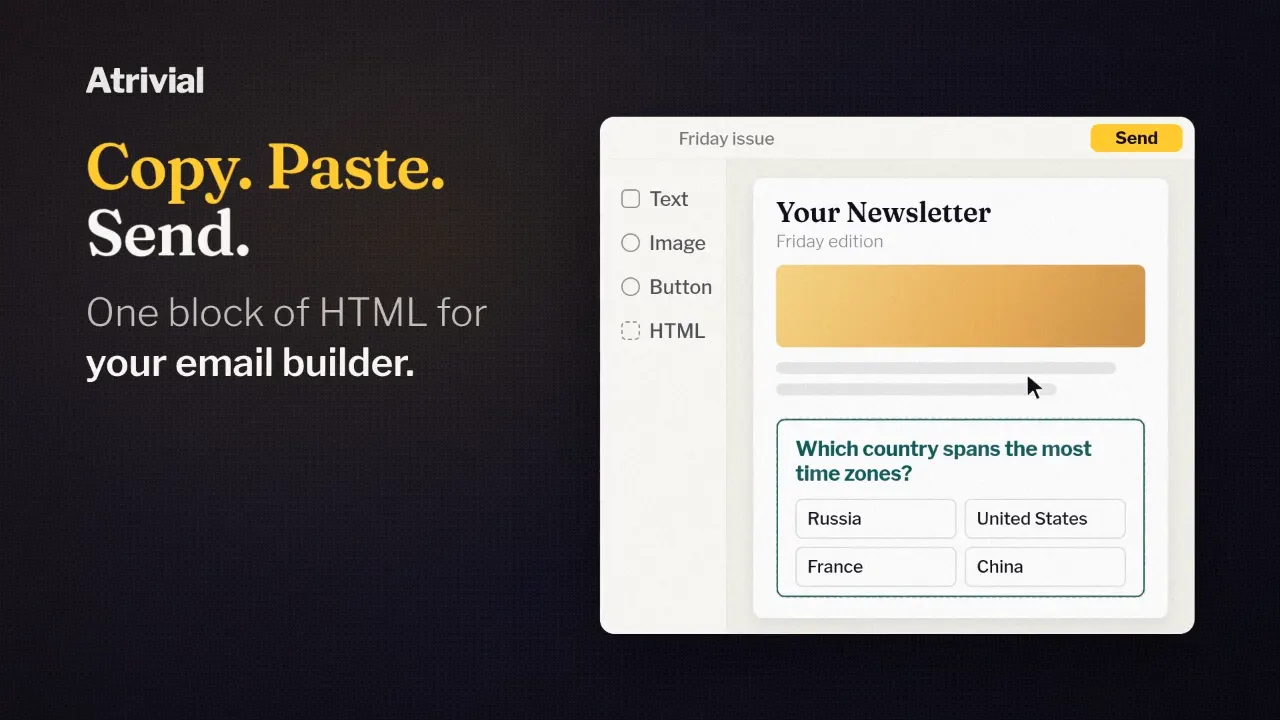
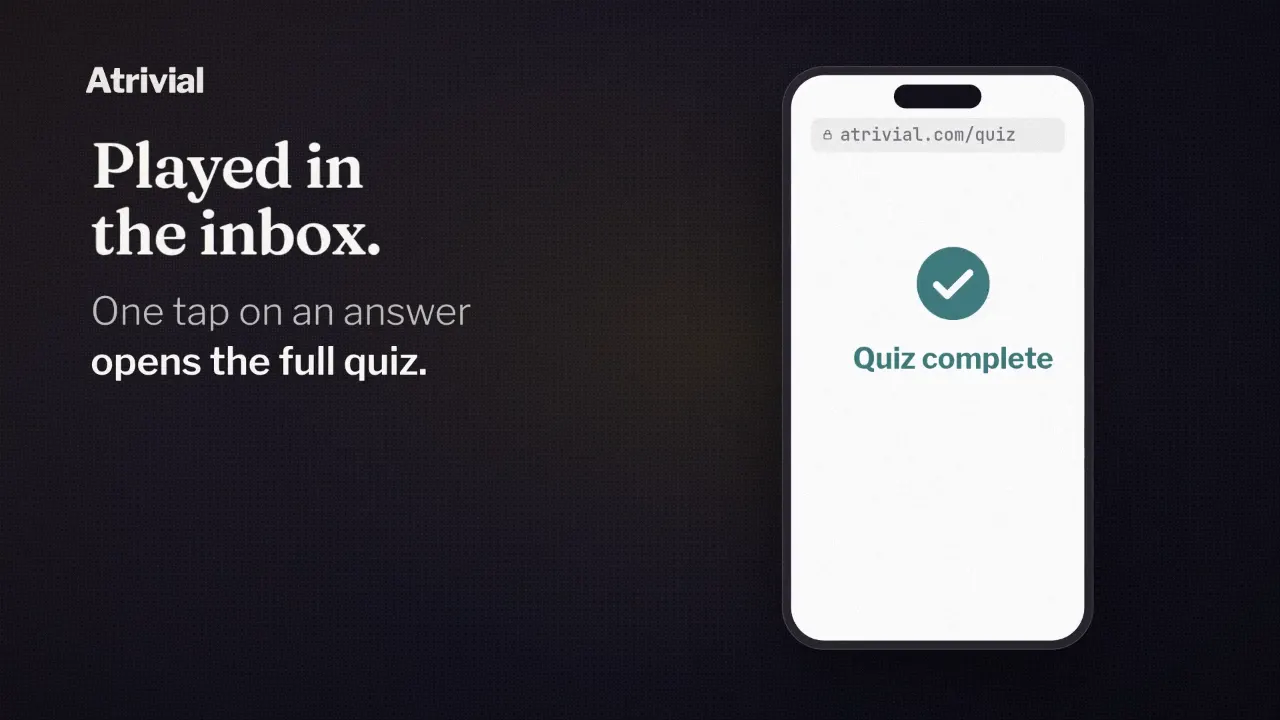
A recurring quiz gets Auto-Updating Email, which you paste into your email template once. It follows whichever quiz is live, so there's no new code to copy for each edition. Kit users can add the quiz with Atrivial's native block, and Substack uses a quiz link because its editor doesn't accept custom HTML. On Business, the embed on your website shows the same live quiz.
Scheduling is included on both plans. Each new quiz draws on your plan's generation allowance, and Business includes more for frequent publishing.
Set up a daily quiz from your feed and approve your first few editions during the trial.
Start a 14-day free trial