Sponsor slots built into every quiz
A sponsor footer under every quiz question and an offer on the end screen.
Pitch a new placement to a sponsor and you'll hear two questions. Where will we show up, and how will we know it worked?
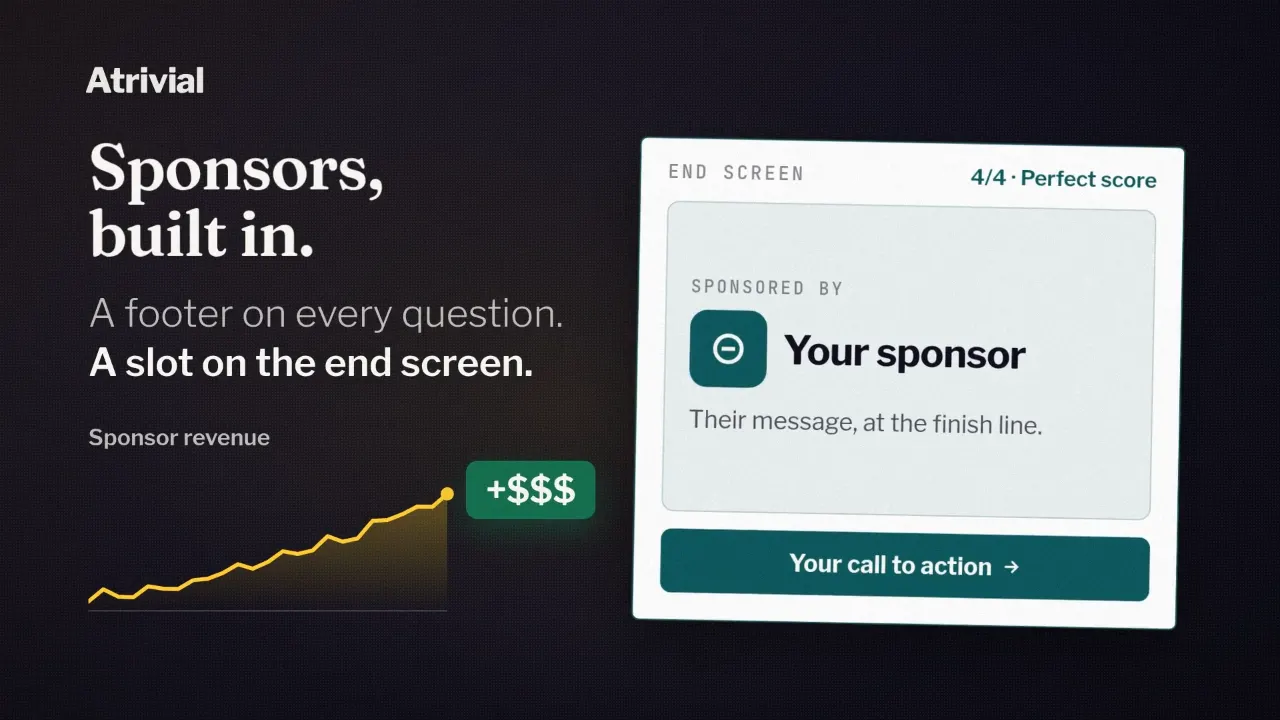
On Business, Atrivial answers both. Every quiz page can carry a sponsor footer under each question and an offer card on the end screen, and the Sponsorship tab in your analytics counts what readers saw and clicked. You find the sponsor and set the price.
Where readers see the sponsor
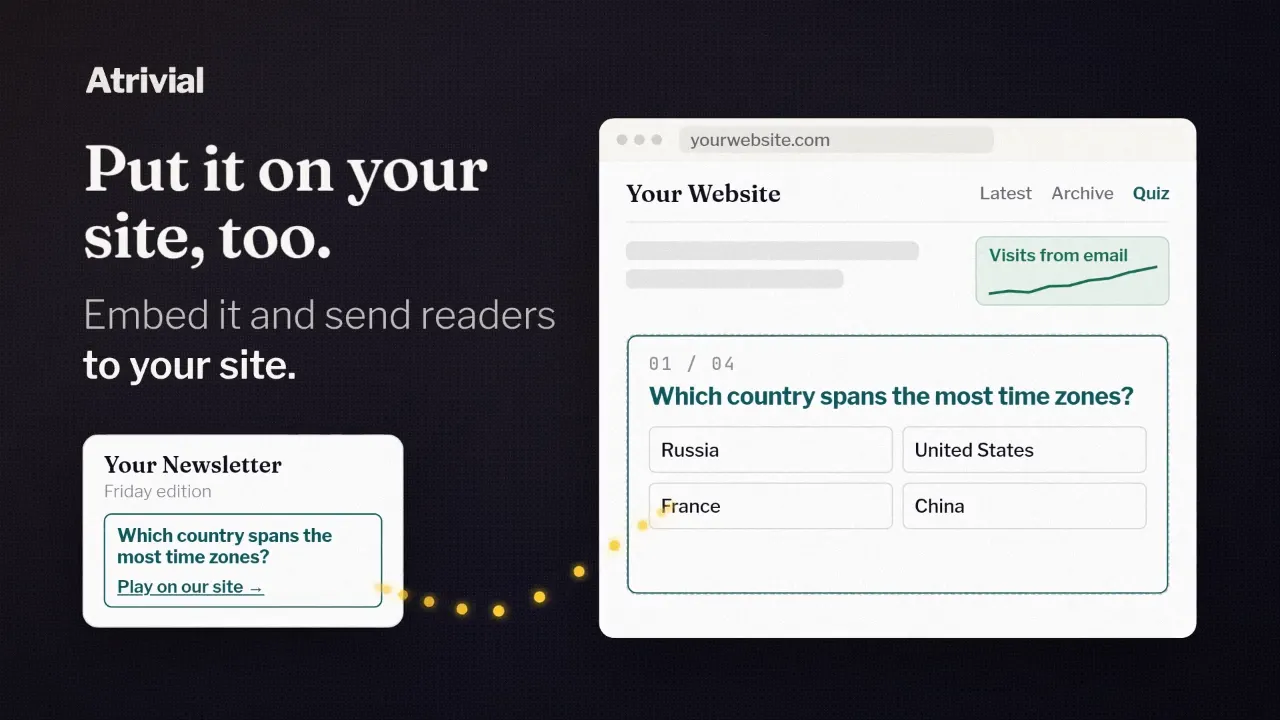
The question in your email doesn't carry sponsor placements. The sponsor appears once a reader taps an answer and reaches the quiz, on the page Atrivial hosts for you or on your own site if you've embedded it there.
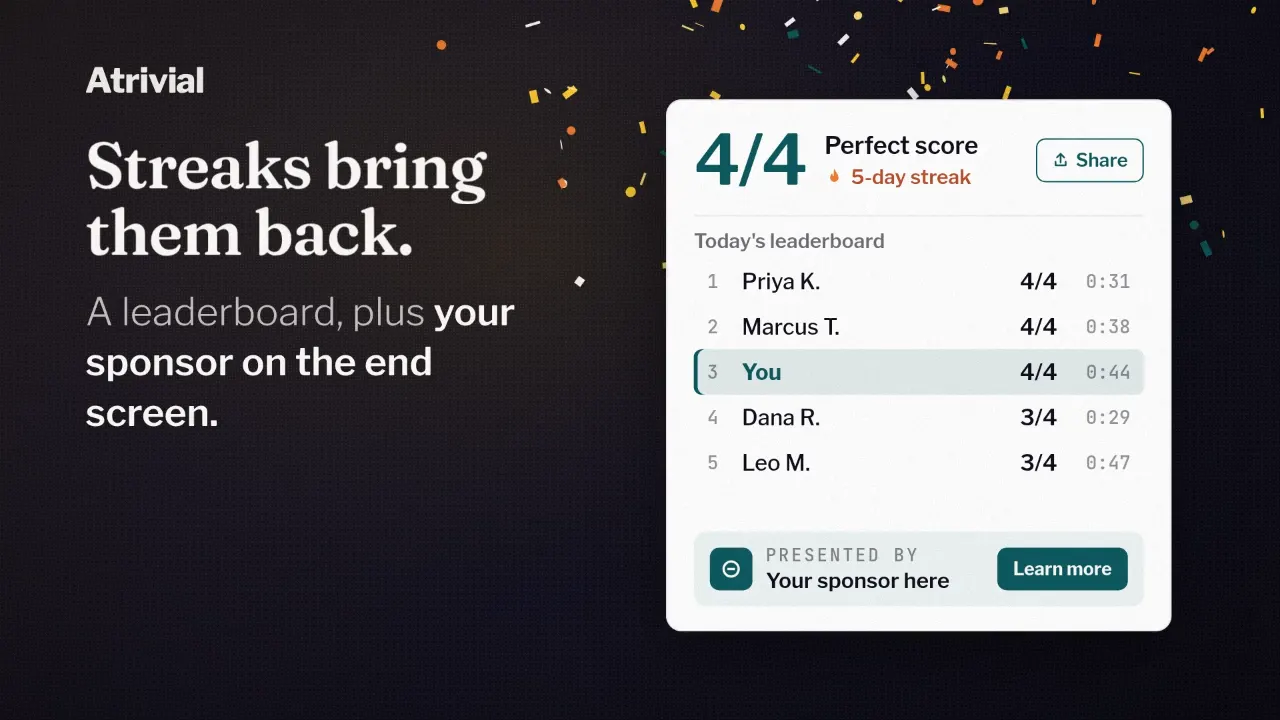
Under every question sits the Sponsorship Footer. It shows a short tagline, such as the words Sponsored by followed by the sponsor's name, with the sponsor's logo beside it if you add one, and it can link to the sponsor's site. You pick the tagline color, so the footer can sit quietly in your palette or stand out in the sponsor's.
After the last question comes the score, and under the score sits the sponsor offer. It's a card that can hold an image, a headline, a short description and a button. If you've also set up a Custom CTA for your own sign-up form, it appears below the sponsor's card, and the leaderboard follows.
What you set up for each placement
Both placements live in the Style & Sponsors step when you set up a quiz in the Portal. Each has its own card and its own switch, so you can sell the footer alone, the offer alone, or the two together. Switching one on fills in starter text for you to replace, such as the word Sponsored above the offer's headline.
Sponsor details are saved in the same preset as your quiz style. Business includes up to three presets, so you can keep one per sponsor and assign each to the quiz series that sponsor bought. Editing a preset updates every quiz series that uses it.
- The Sponsorship Footer takes the sponsor's logo, a Sponsored By Tagline, a Footer Link and a Tagline color.
- The Sponsor offer card takes an image, a Tagline, a Title, a Description, Button text and a Link URL.
- The Custom CTA card holds your own call to action, either a sign-up button that links to your form or an email form embed.
What you can report back
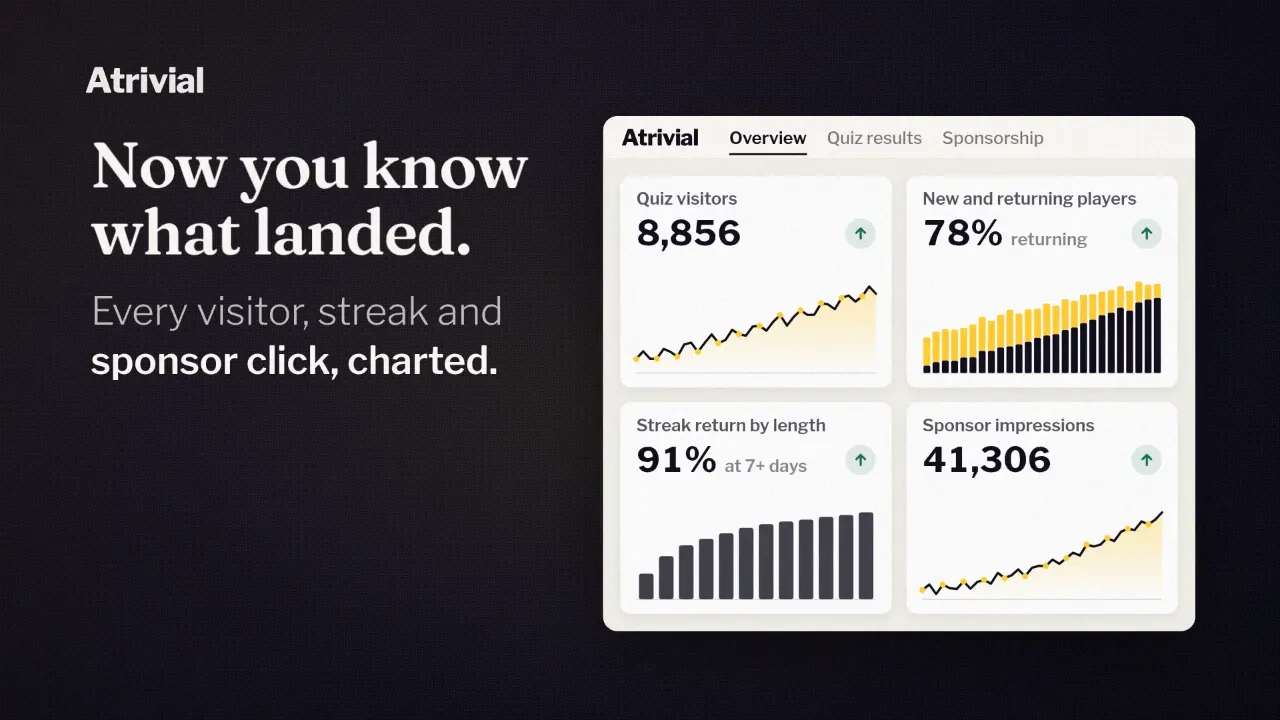
The Sponsorship tab in Analytics shows three counts for the date range you choose. End-Screen Sponsor Impressions counts sponsor offer cards that readers viewed. Sponsor Clicks counts clicks on the footer and the offer card together. Sponsorship Footer Impressions is an estimate of footer views, and the Portal labels it as one, so do the same in your sponsor report.
A careful sponsor will ask about rates. The tab doesn't show a click-through rate, and since Sponsor Clicks combines both placements, dividing it by offer impressions won't give a clean rate for either one. A click also isn't a sale. The sponsor's own landing page numbers show what happened after the click.
Who it's for, and what it won't do
Sponsor placements, the Custom CTA and the Sponsorship tab come with Business and Enterprise. Business is $99.99 a month. On Individual you'll see the sponsor cards in the Quiz Style step, locked, with an option to upgrade. If you don't sell ads yet, Individual still gives you branded quizzes and analytics, and you can move up when a sponsor signs.
Atrivial doesn't find sponsors for you. It also won't run a sponsor on a timetable, because a placement has no start or end date. When a deal ends, you switch the placements off or swap in the next sponsor's details yourself.
Sponsor settings change the footer and the end screen and nothing else. Your questions and answers still come from your content.
See what Business includes next to Individual before you pitch your first quiz sponsor.
Compare plans