Newsletter sponsorships
How newsletter Quiz sponsorships work
Atrivial’s Business and Enterprise plans let publishers add sponsor branding and an offer after the Quiz score. You arrange the sponsorship; Atrivial provides the placements and reporting.

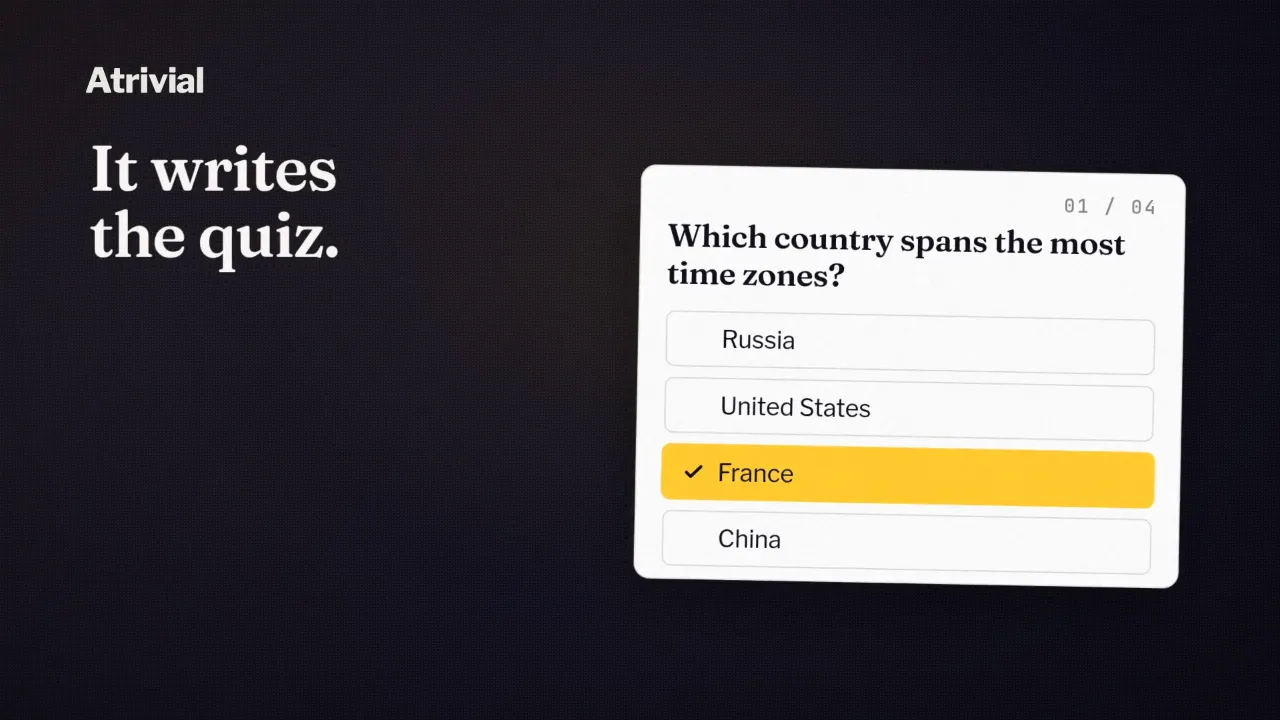
For example, a museum could sponsor a local history Quiz. Readers answer questions from your reporting, receive their score, then see a clearly labeled museum offer with a link to an upcoming exhibition.
Where does the sponsor appear?
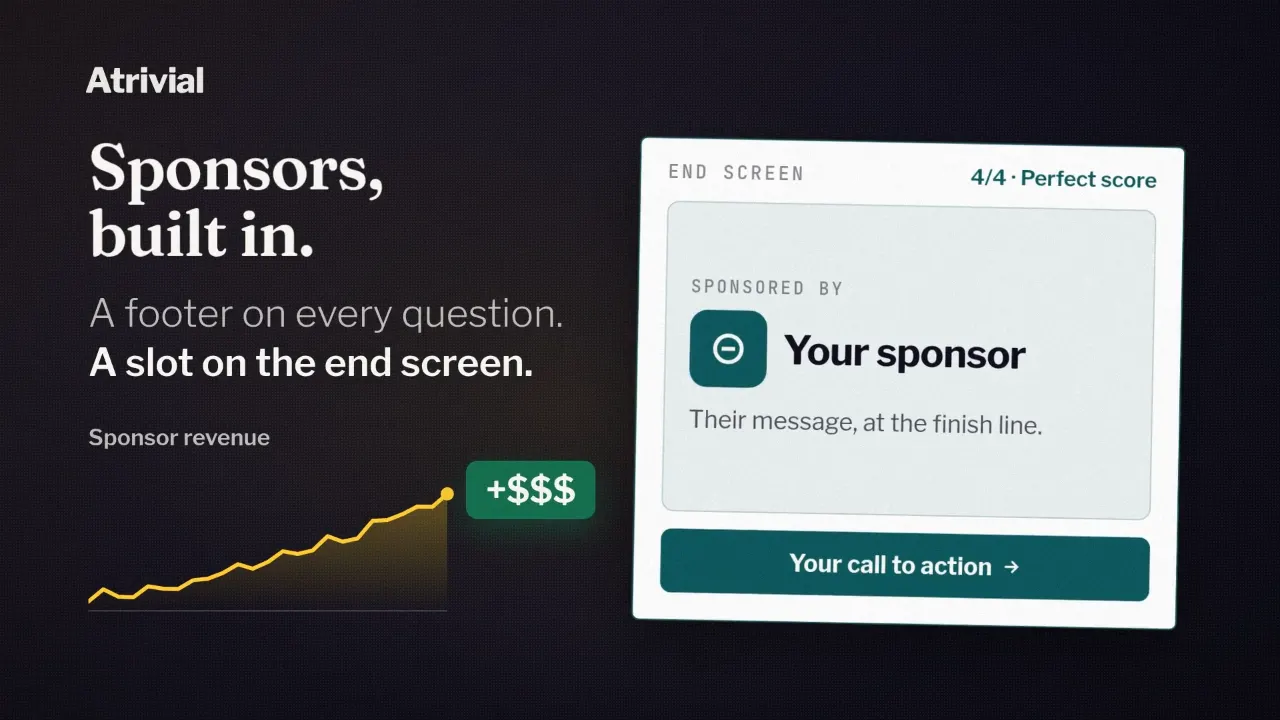
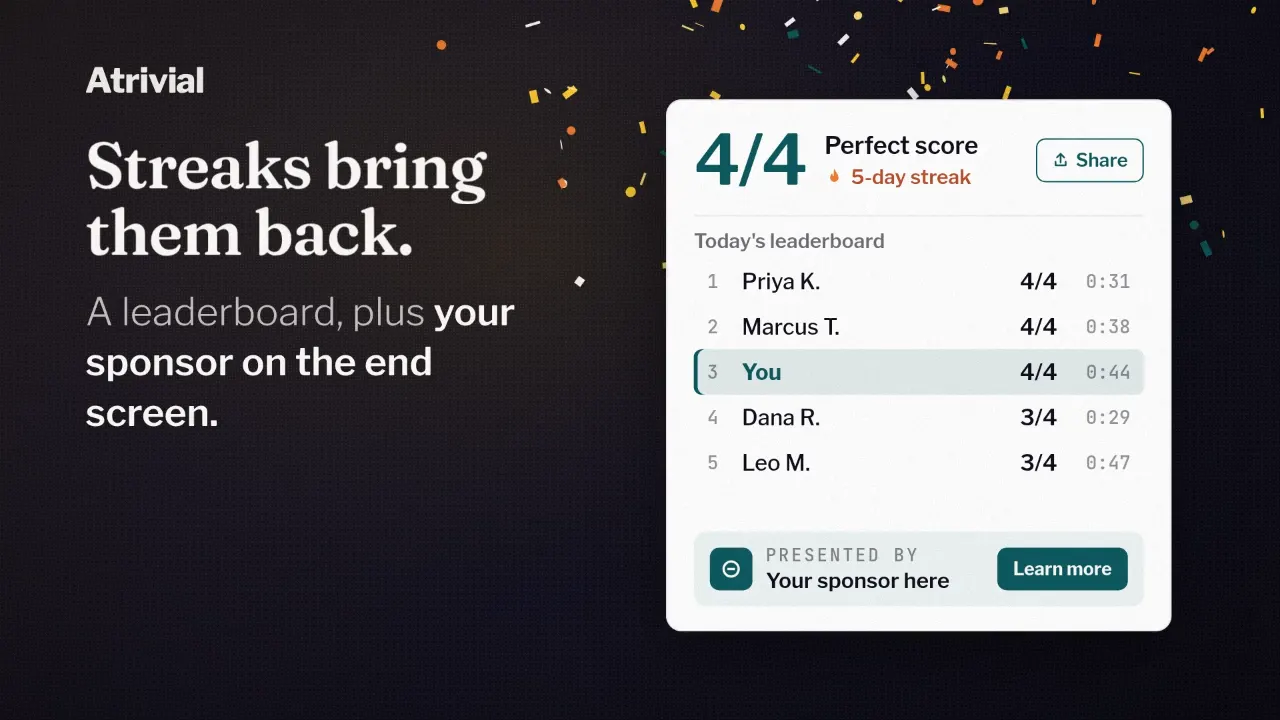
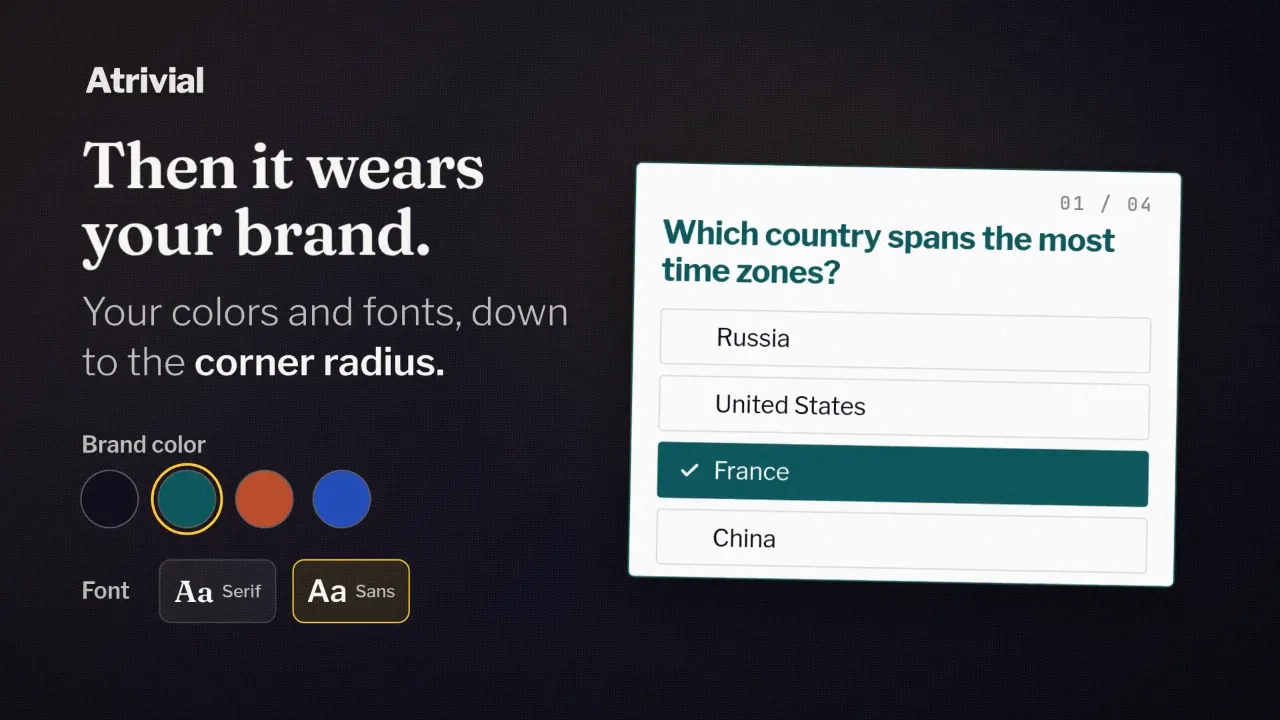
The sponsor footer identifies the advertiser alongside the Quiz. An optional end-screen card presents the sponsor’s offer after the reader reaches the score. In Style & Sponsors, configure the sponsor identity, creative, and destination link, then preview the placements you enable.
Keep the offer specific: an exhibition page, an event booking, or a useful download. The sponsor link should lead to the offer described in the card.
What can I include in a sponsorship package?
Agree on the Quiz topic, publication dates, placements, creative, and reporting with the advertiser. You can sell a single edition or a recurring placement. Set a price based on your audience and measured results; adding a sponsor slot does not guarantee clicks or revenue.
- Placement: specify sponsor identification and whether an end-screen offer is included.
- Creative: agree on the logo, offer text, image, and destination link.
- Schedule: state which editions and dates the sponsorship covers.
- Reporting: agree on the metrics and date range you will share.
How do I keep the Quiz useful for readers?
Make the sponsorship clear and keep trivia answers grounded in the source material. A sponsor should not determine which answer is correct. Choose an advertiser relevant to the topic, and keep the end-screen offer focused on one next action.
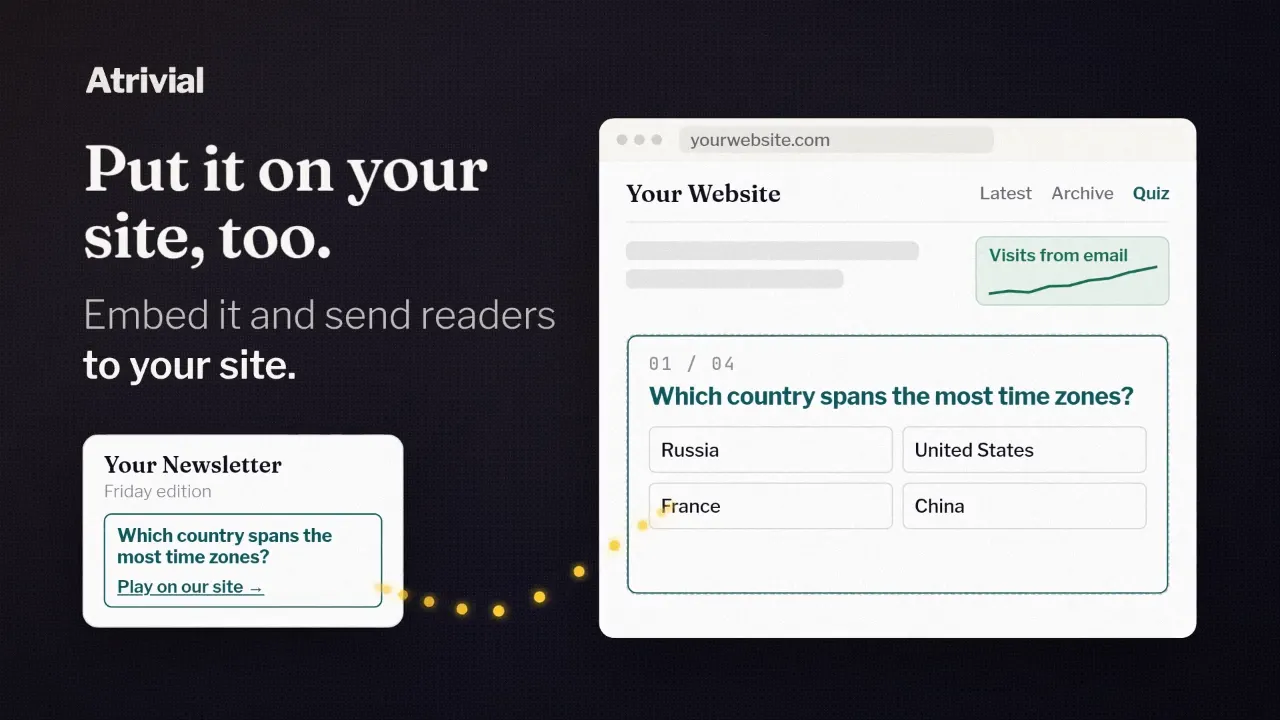
Preview both the email and the Quiz page. If readers will land on your website, confirm that its embedded Quiz displays the sponsor creative and opens the intended link.
What can I report to the sponsor?
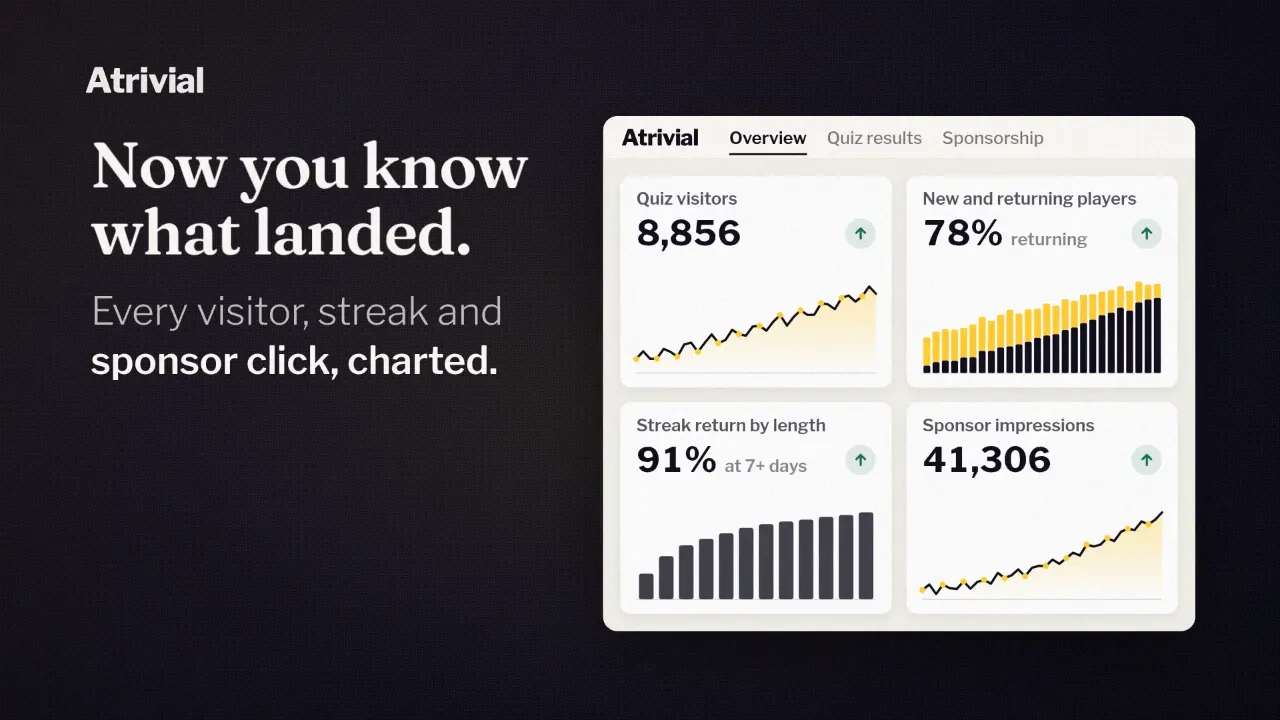
Use Quiz analytics to report completions, sponsor end-card views, and sponsor clicks over the agreed date range. Sponsor footer displays are estimates; label them that way. Email delivery, Quiz participation, and sponsor clicks describe different parts of the journey.
A sponsor click is not a sale. Use the advertiser’s own landing-page or conversion reporting to assess purchases or signups. Establish a baseline with your first campaigns before promising future results.
Want to see what your readers will play?
Try a sample quiz