Add a quiz to your email in one paste
One block of HTML for your email builder.
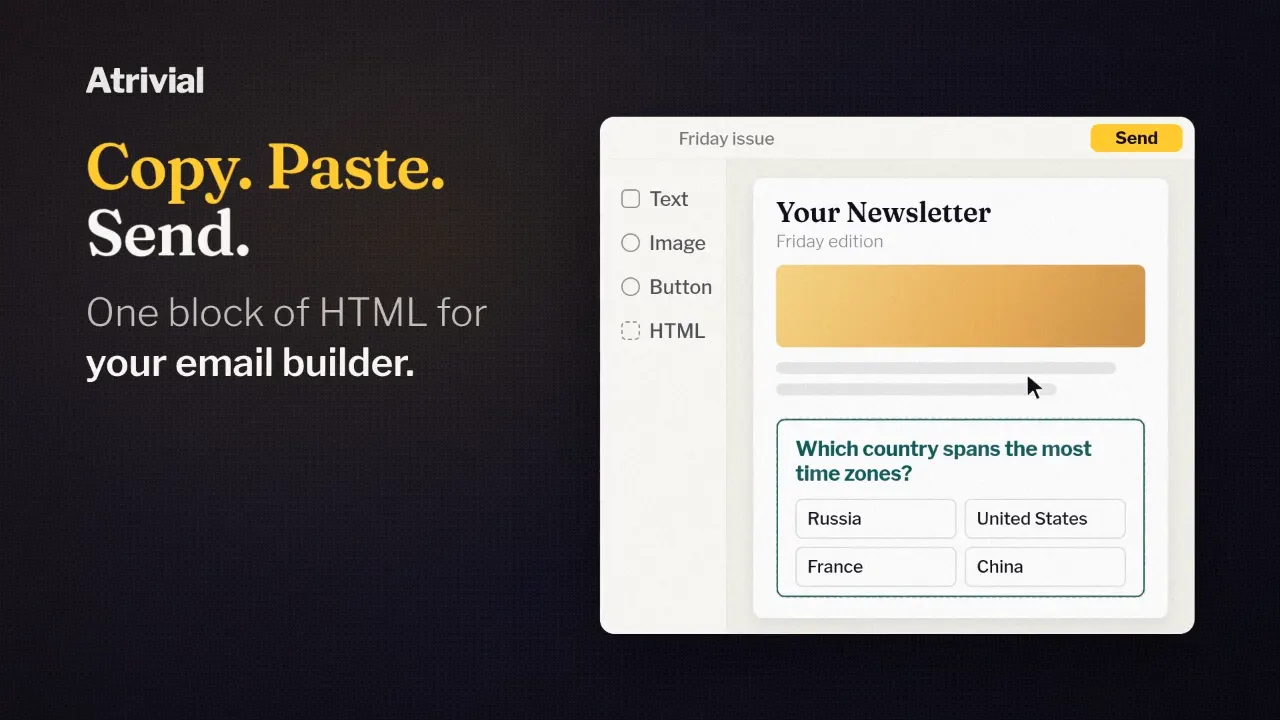
Once a quiz has live questions, getting it into your newsletter takes one copy and one paste. You copy a block of code from Atrivial, paste it into a custom HTML block in your email builder, and send.
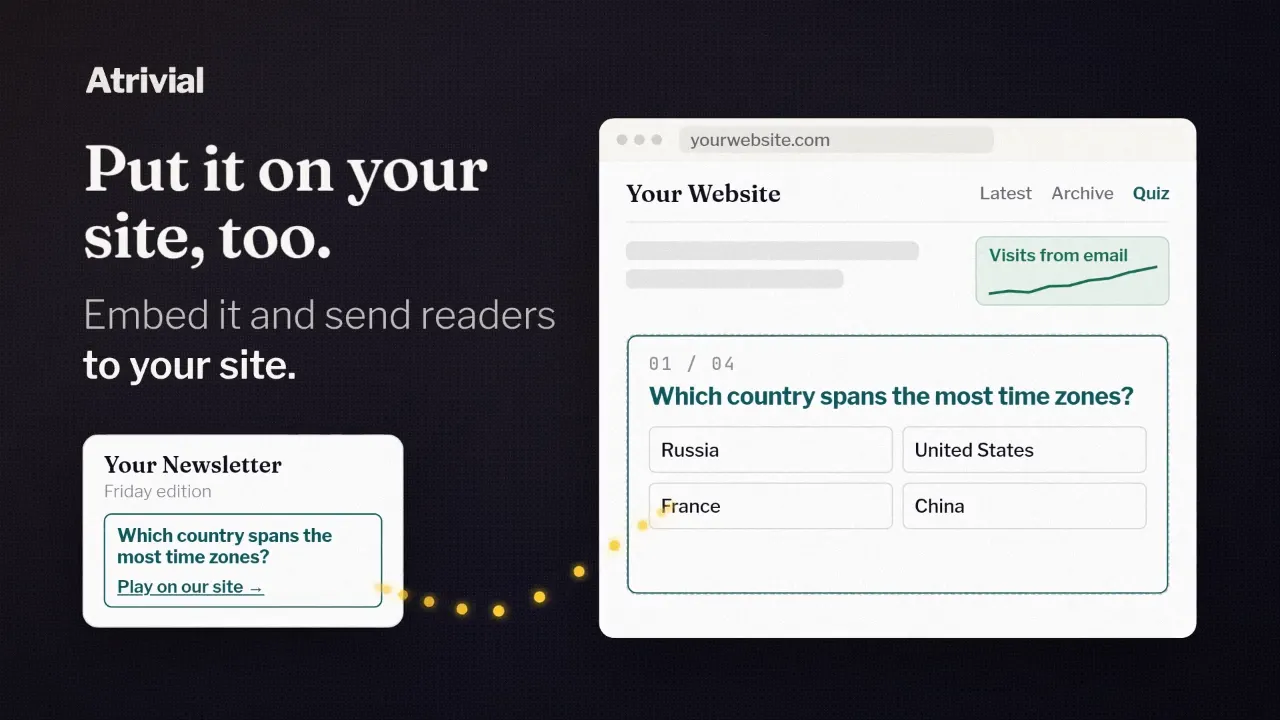
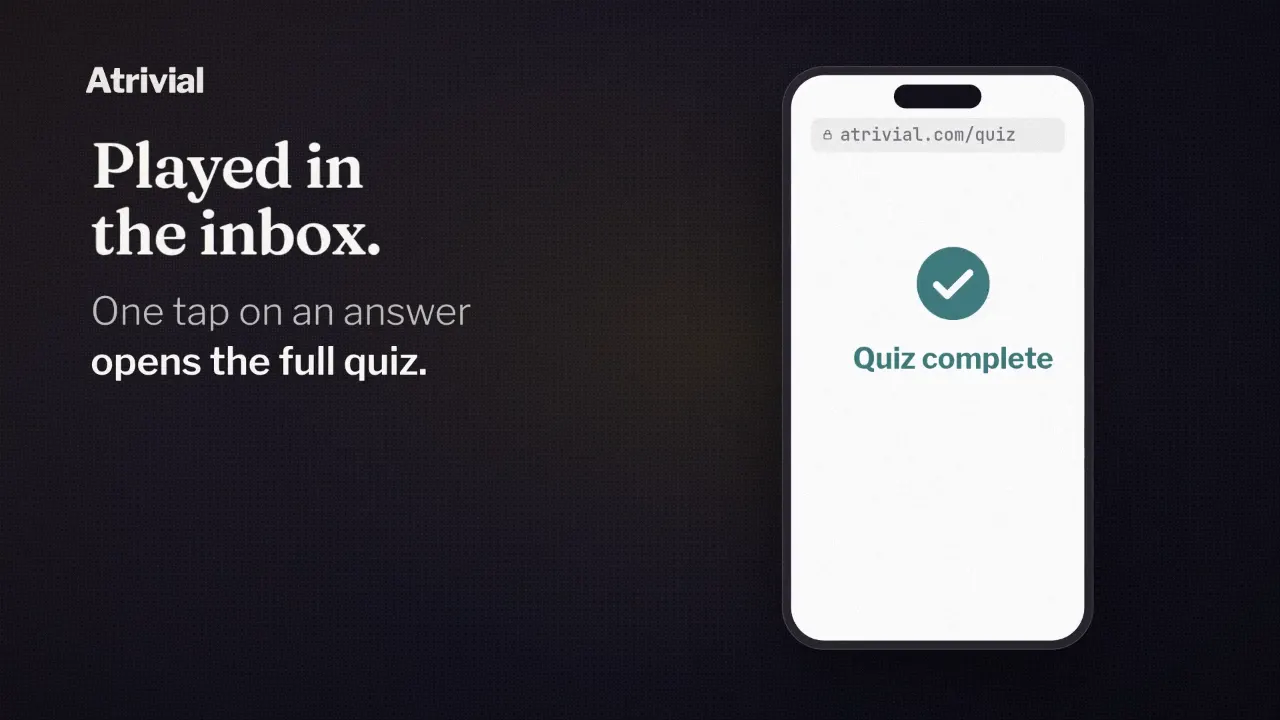
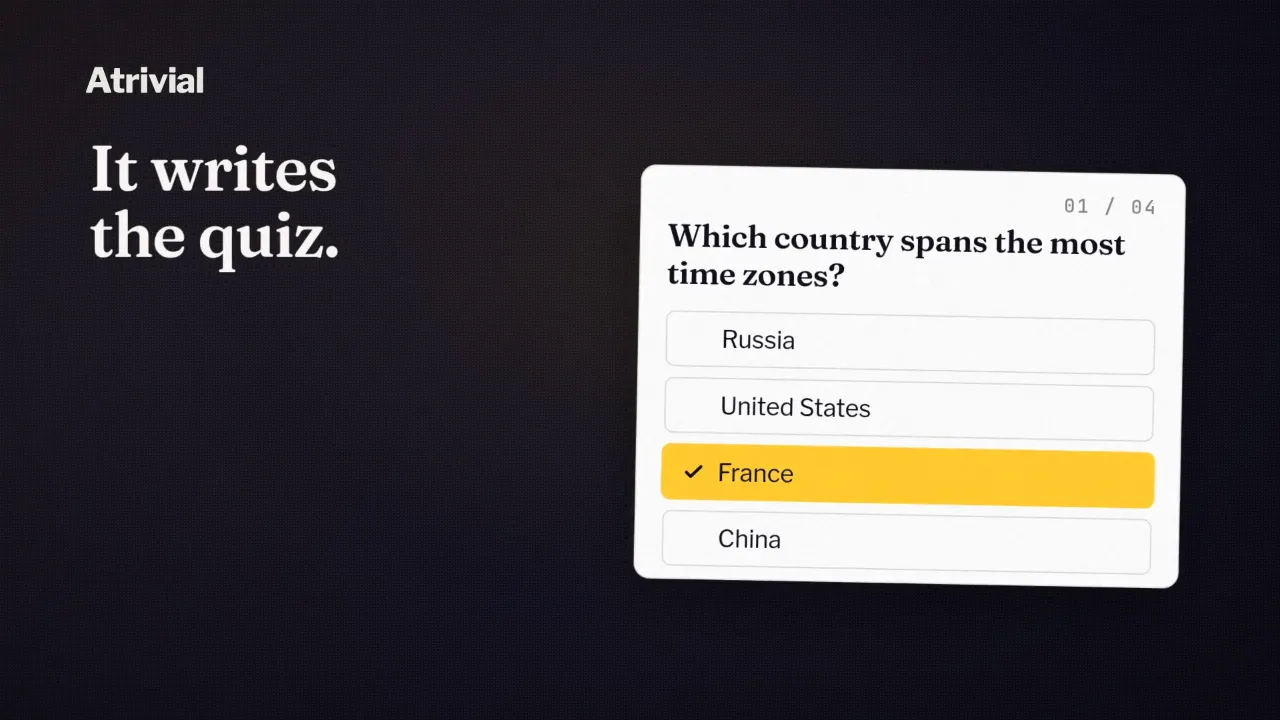
Readers see the first question and its answers inside the email. Each answer is a link. Tapping one opens the full quiz in their browser with that answer already in, and they play the rest from there.
Where the code comes from
Two settings in the quiz's Email step shape what Output hands you. The first is "How do you send your emails?" It means the platform you build and send the newsletter with. The mail app your readers use doesn't matter here.
The second is the Email experience. Interactive first question puts the question and its answers in the email. URL link gives you a plain link for any button or line of text. If your platform accepts custom HTML, the quiz starts on Interactive first question, and you can switch later.
- Open the quiz and go to the Email step.
- Choose your platform under "How do you send your emails?"
- Keep Interactive first question selected.
- Select Output, then Copy code on the "Put this in your email" card. View code shows the code first if you want to read it.
- Paste it into your builder's custom HTML or code block rather than a text block.
- Send yourself a test from your real platform and tap an answer.
Which email builders take it
Kit, beehiiv, Ghost, Mailchimp and MailerLite all accept custom HTML, so the block pastes straight in. If your platform isn't on that list, pick Other and paste it the same way, as long as your builder has a custom HTML or code block.
Substack is the exception. Its editor doesn't accept custom HTML, so the interactive question can't go in. Choose Substack and Atrivial switches the quiz to URL link, which you add as an ordinary button or text link. Readers still get the full quiz. They start from a link instead of an answer.
Inboxes vary, too, which is why the last step is a test from your real platform. By default, the block also ends with a small "Presented by Atrivial" credit, so expect to see that in your test.
Paste once, or once per issue
What Copy code gives you depends on whether the quiz runs on a schedule. You don't choose the format. Atrivial matches it to the quiz.
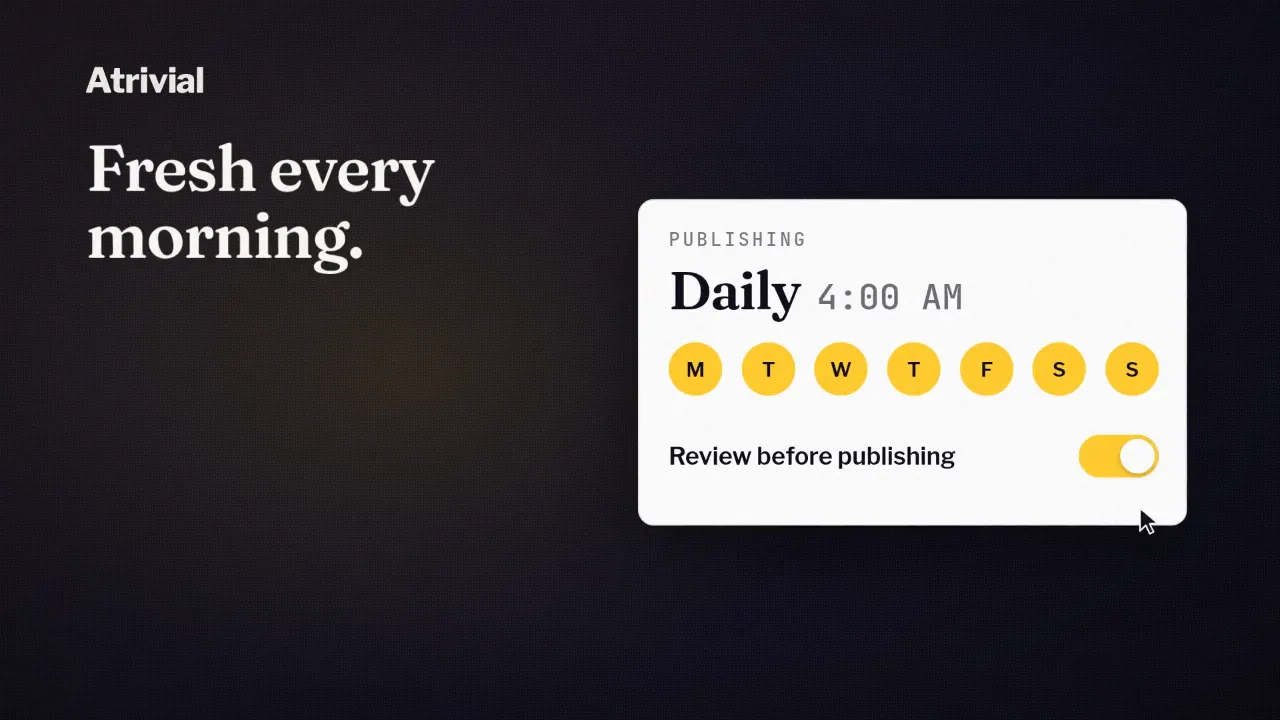
A recurring quiz gets Auto-Updating Email. You paste it once into a template you reuse, and when a new quiz goes live, the block shows the new question without a fresh copy. It draws the question and answers as images, so font sizes may not exactly match your text. The trade is that inboxes can't recolor images the way some recolor text links.
How quickly the new question shows up depends on your platform. For beehiiv, Mailchimp and Kit, Atrivial adds the platform's own date tag to the image link, so each day's send asks for a fresh image. For Ghost, MailerLite and Other, there's no verified tag to add, so updates are best effort and some readers may still see the previous question.
A one-off quiz gets Fixed Email HTML, a snapshot in real HTML text with exact font sizes. If its questions change, copy the block again.
Kit has its own block
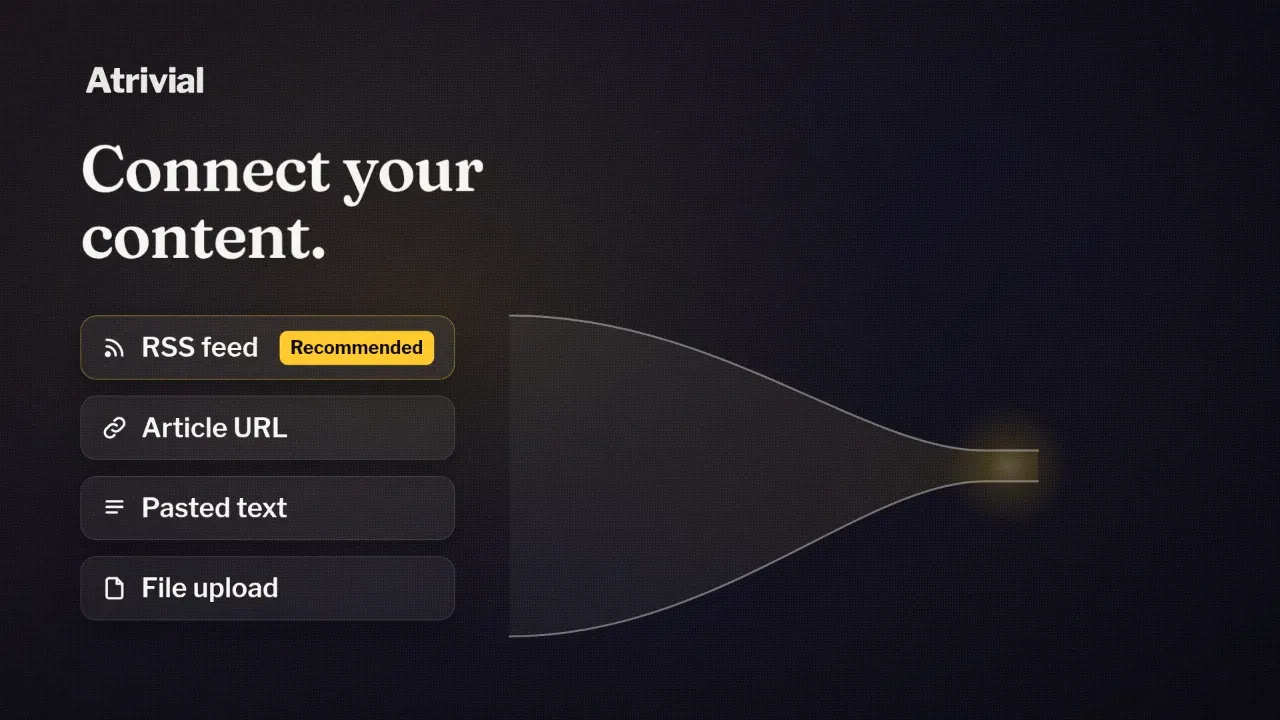
On Kit, you can skip the paste. Install Atrivial from Apps in Kit, then add the Atrivial Quiz block to a broadcast or template. The block can generate a quiz from your Kit emails. Recent uses your latest sends, and Specific uses broadcasts you pick, which stay fixed. You can also paste a link or text, or pick a quiz from your Library.
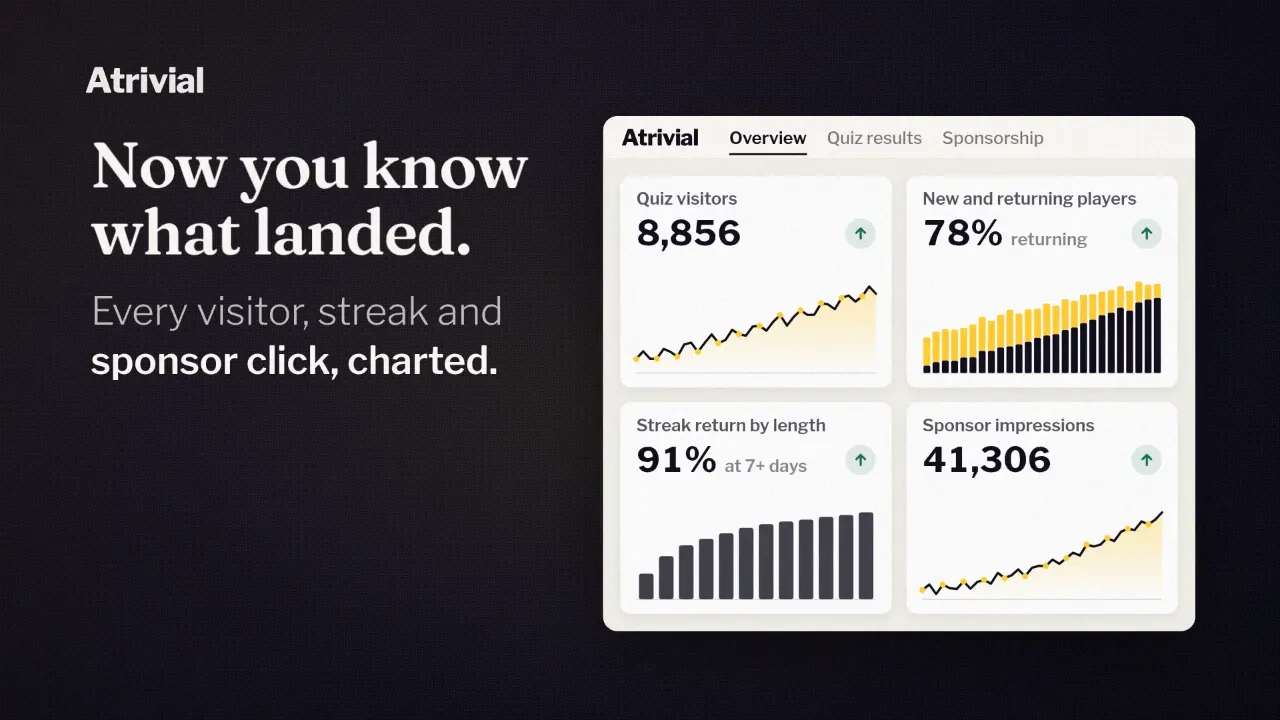
A few things work differently from pasted HTML. A recurring quiz in the block refreshes when Kit sends the email, so there's no template to keep current. Styling still comes from Atrivial, through the Style Preset you choose in the block. Per-broadcast click stats aren't available, though Kit clicks still show up in Atrivial, labeled Kit.
Kit accepts custom HTML as well, so the Output code works there if you'd rather run everything from the portal.
Plans and the trial
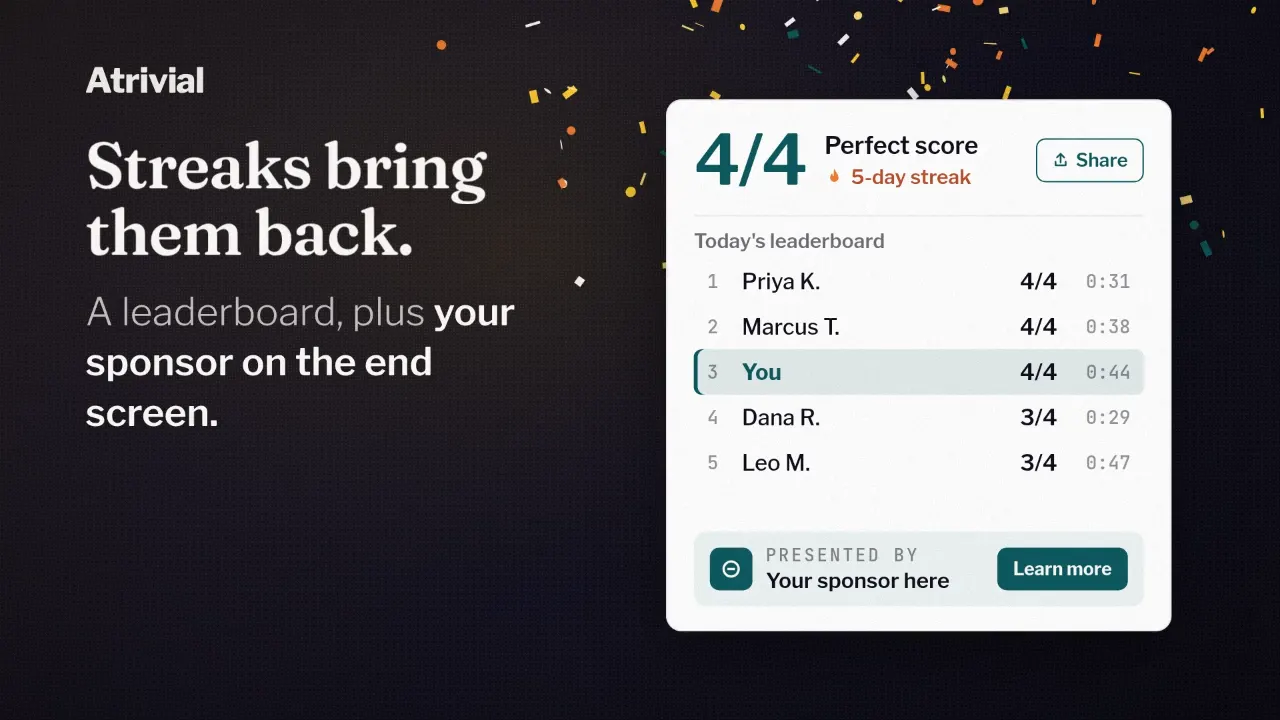
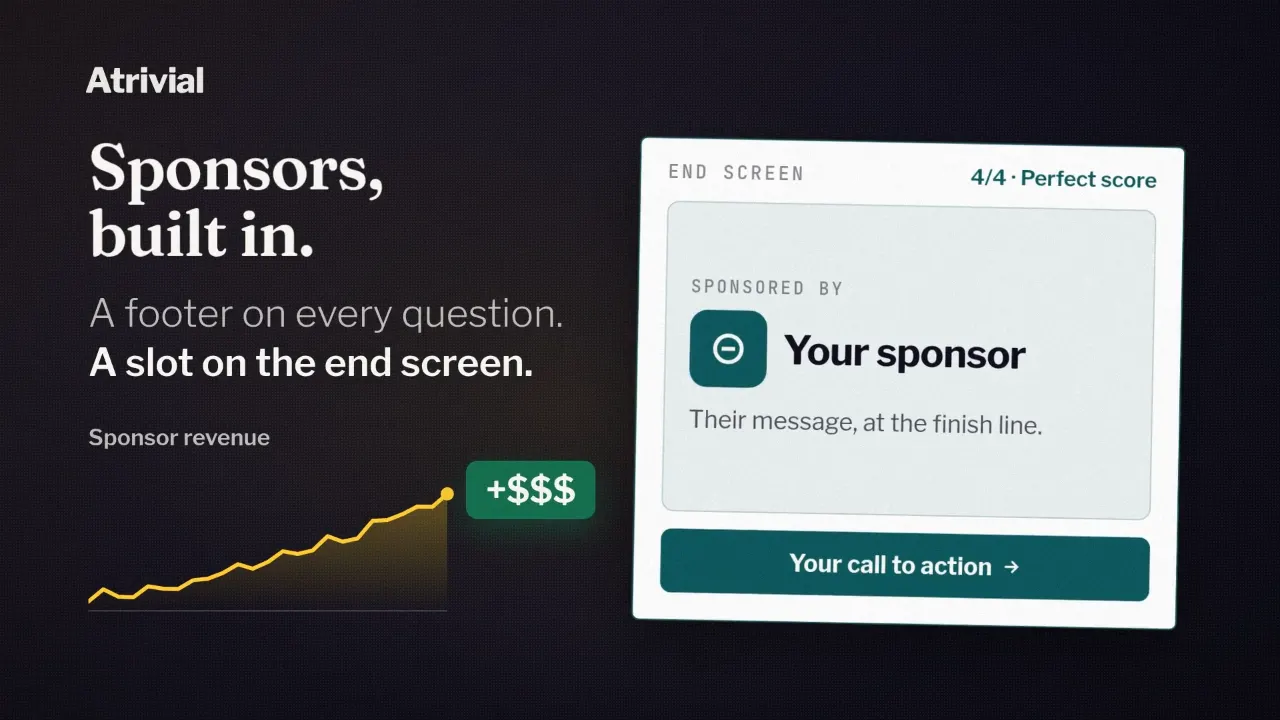
Email quizzes come with every plan, starting with Individual at $9.99 a month. Business, at $99.99 a month, adds website embeds and sponsor placements. Individual and Business both include a 14-day free trial.
Checkout asks for a payment method. Cancel in the Portal before the trial ends and you won't be charged.
Start a trial, generate a quiz from your own content and paste it into your next send.
Start a 14-day free trial