How readers play from the inbox
One tap on an answer opens the full quiz.
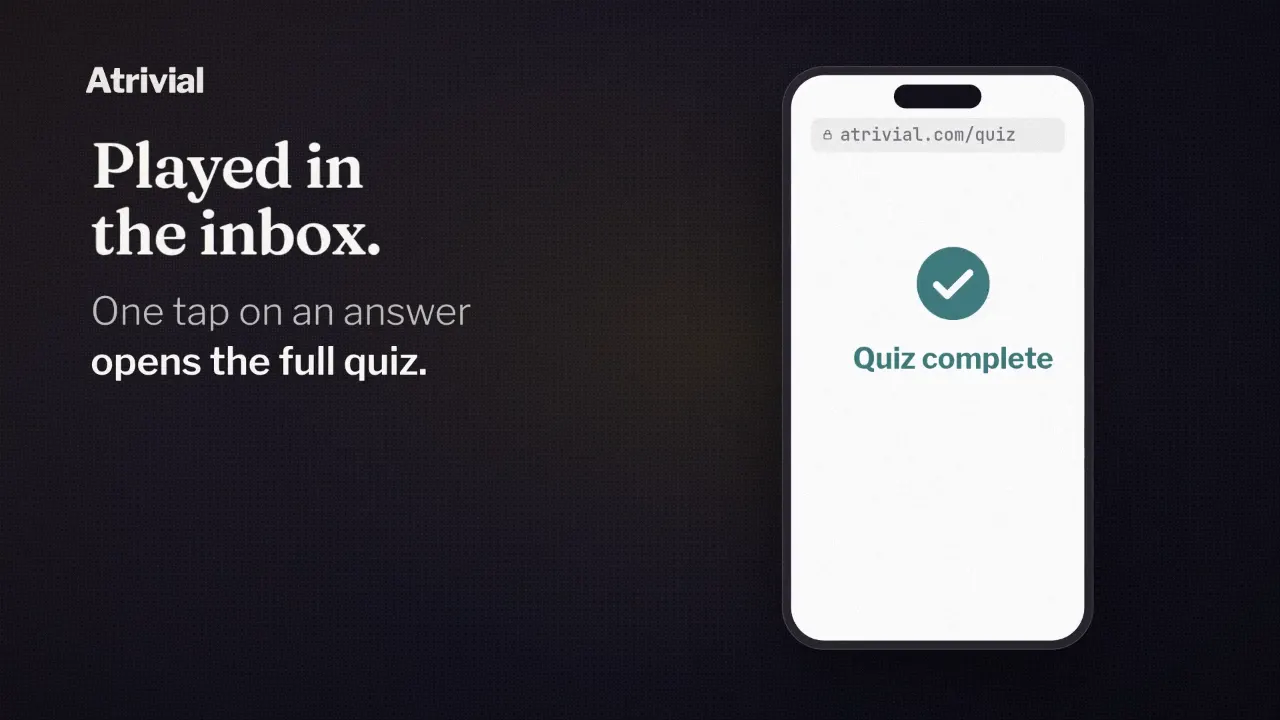
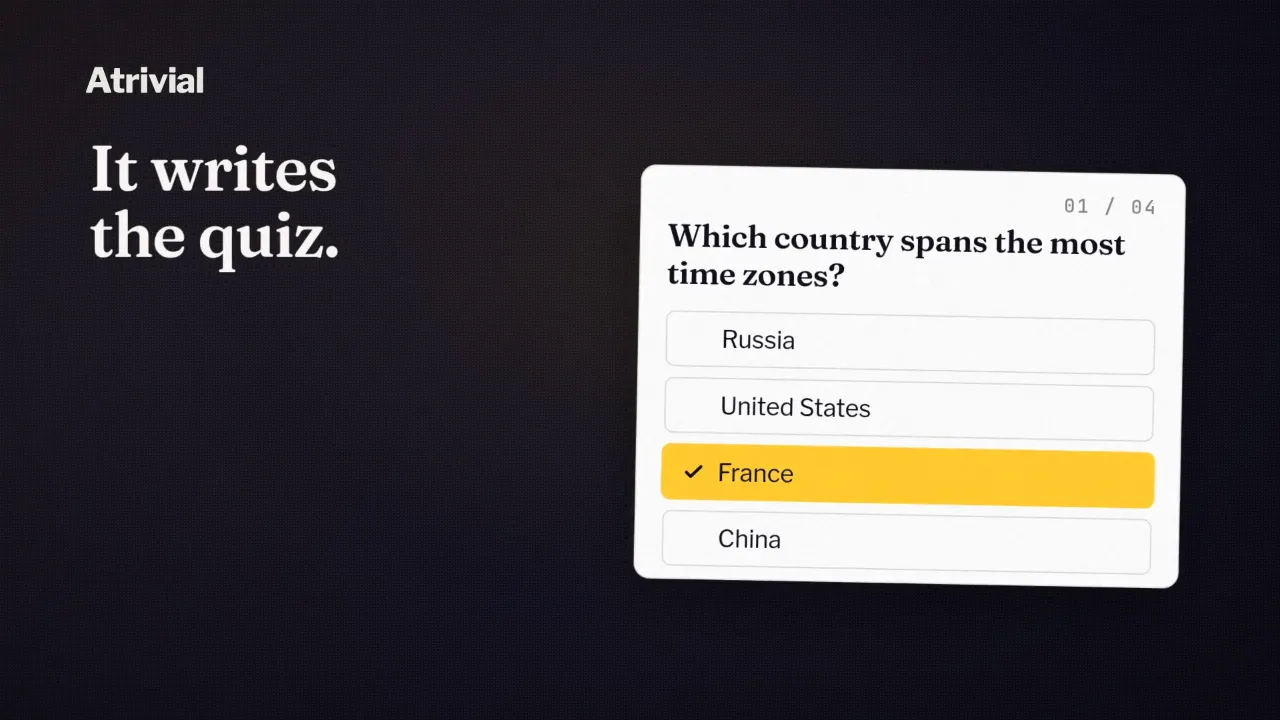
Your reader opens the newsletter and finds a question in it, with the answers listed underneath. They tap the one they think is right, and that tap is their answer.
A browser opens on the full quiz with their answer already in and the result for that first question on screen. They carry on with the rest of the quiz from there. Nothing to install, and no account needed.
What happens in the email
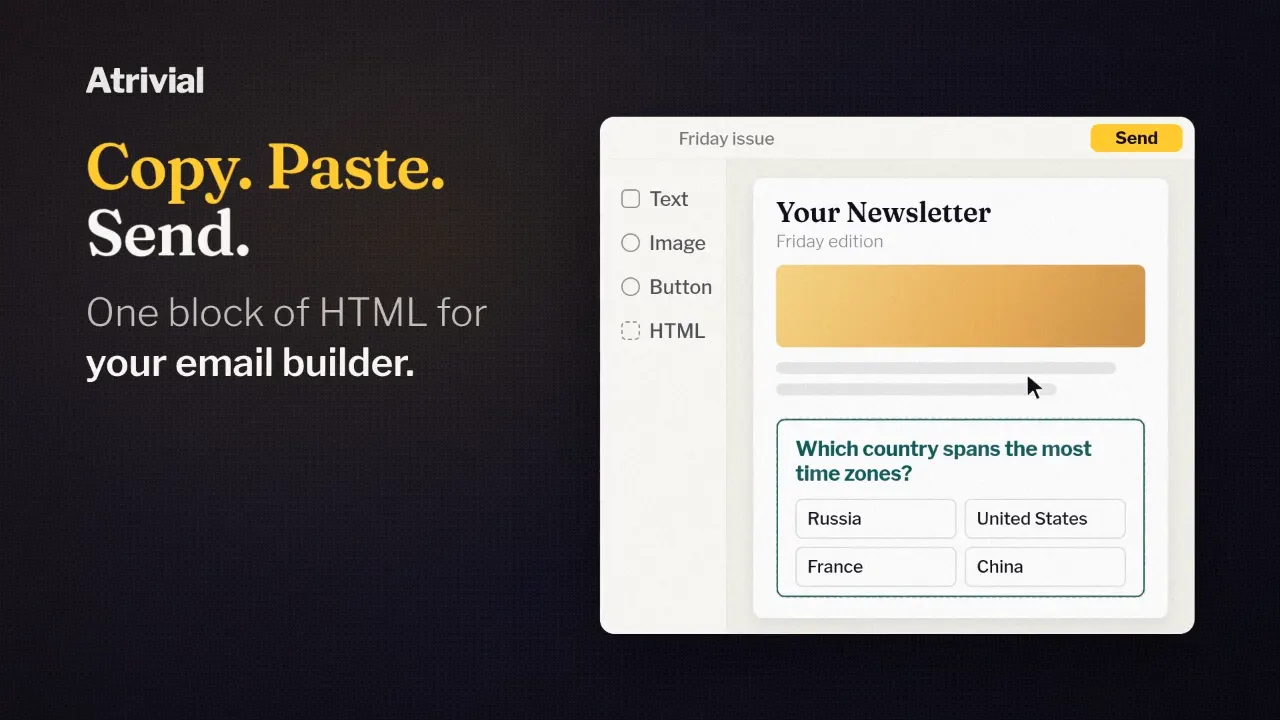
The email holds the first question and its answers, and each answer is a link. A tap on the question itself opens the quiz with nothing chosen.
What the reader sees depends on the quiz. A recurring quiz arrives as images of the question and answers, which Atrivial swaps out when a new quiz goes live. A one-off quiz arrives as HTML text, and inboxes that support it add a hover effect to the answers. The links work the same way in both.
That's the whole inbox part, one question. Scores, the leaderboard and any sponsor end screen live on the quiz page in the browser.
Where the tap lands
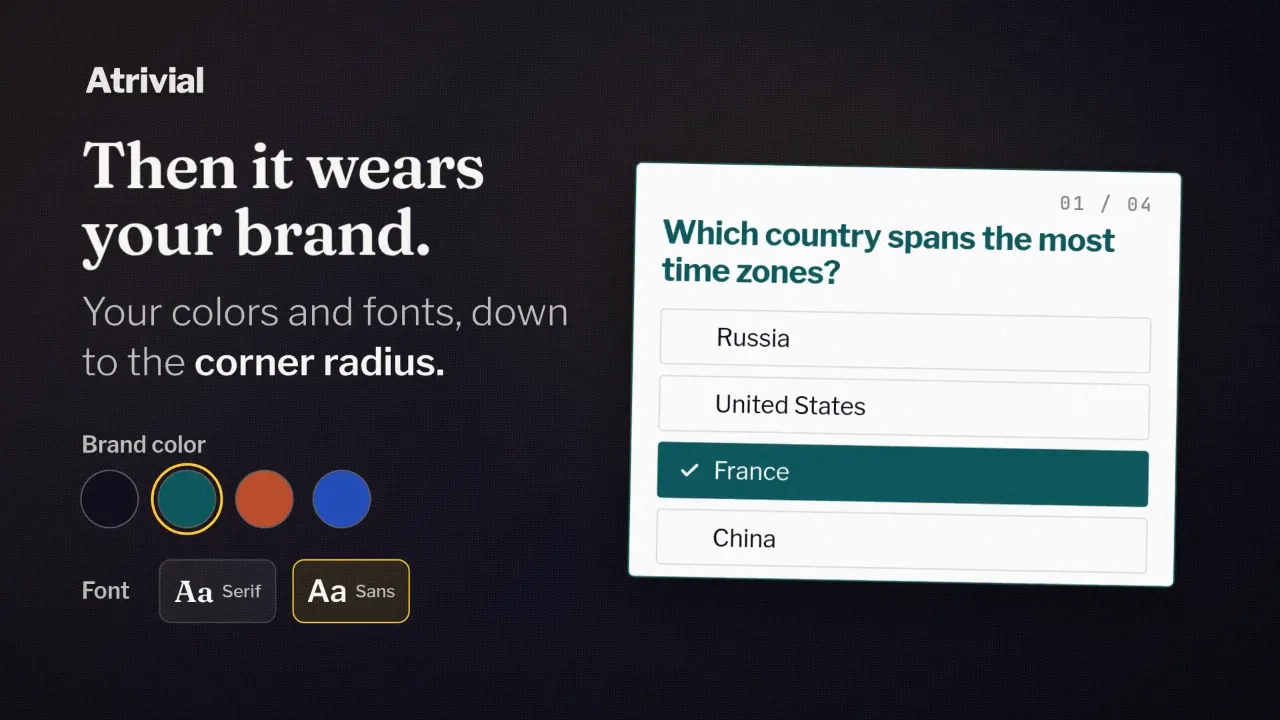
By default, the tap opens your quiz on its hosted page at atrivial.com, in your colors and fonts. The hosted page comes with every plan. Kit's native Atrivial Quiz block works the same way, and a tap there lands on the hosted quiz with that answer selected.
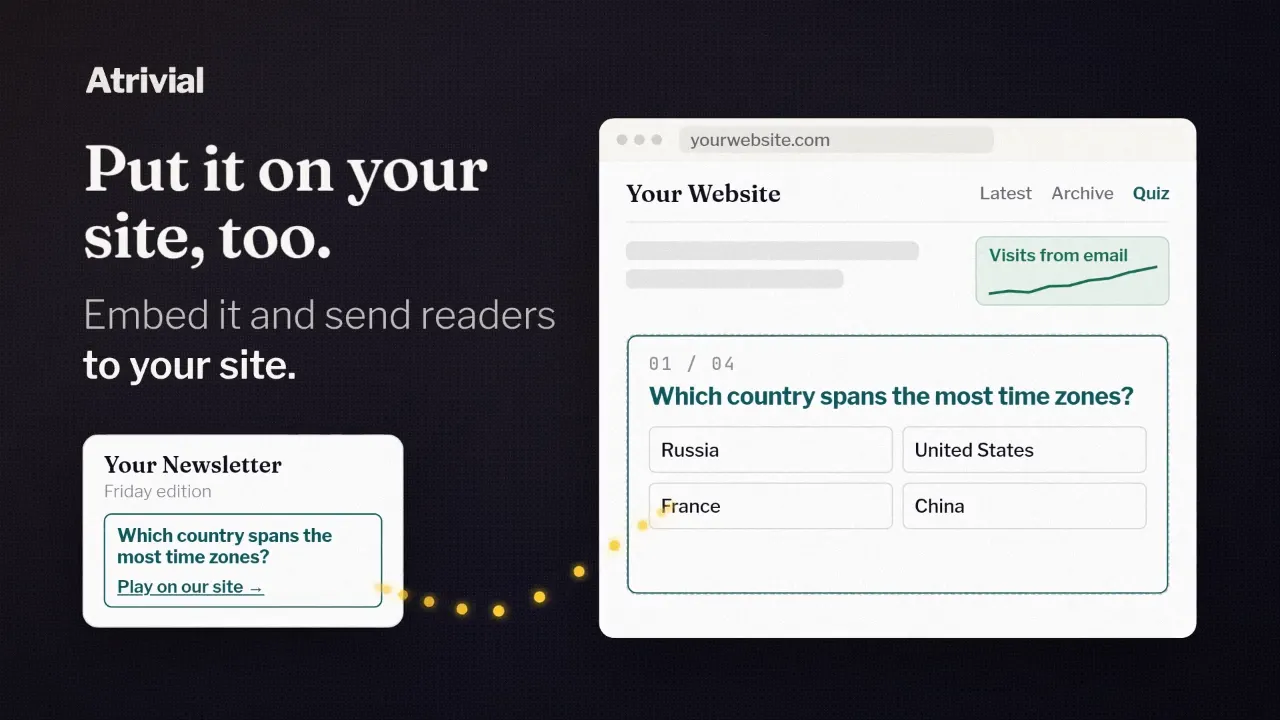
On Business, you can set the quiz to play on My website instead, and the tap opens your own page with the quiz embedded. The answer comes through when that page uses the JavaScript Loader, which is the code Output gives Business accounts. The Basic iFrame version can't carry an email answer.
On Substack, the email carries a link to the quiz instead of the question, since Substack doesn't accept custom HTML. Readers who follow it start at the first question with nothing chosen.
The tap counts as an answer
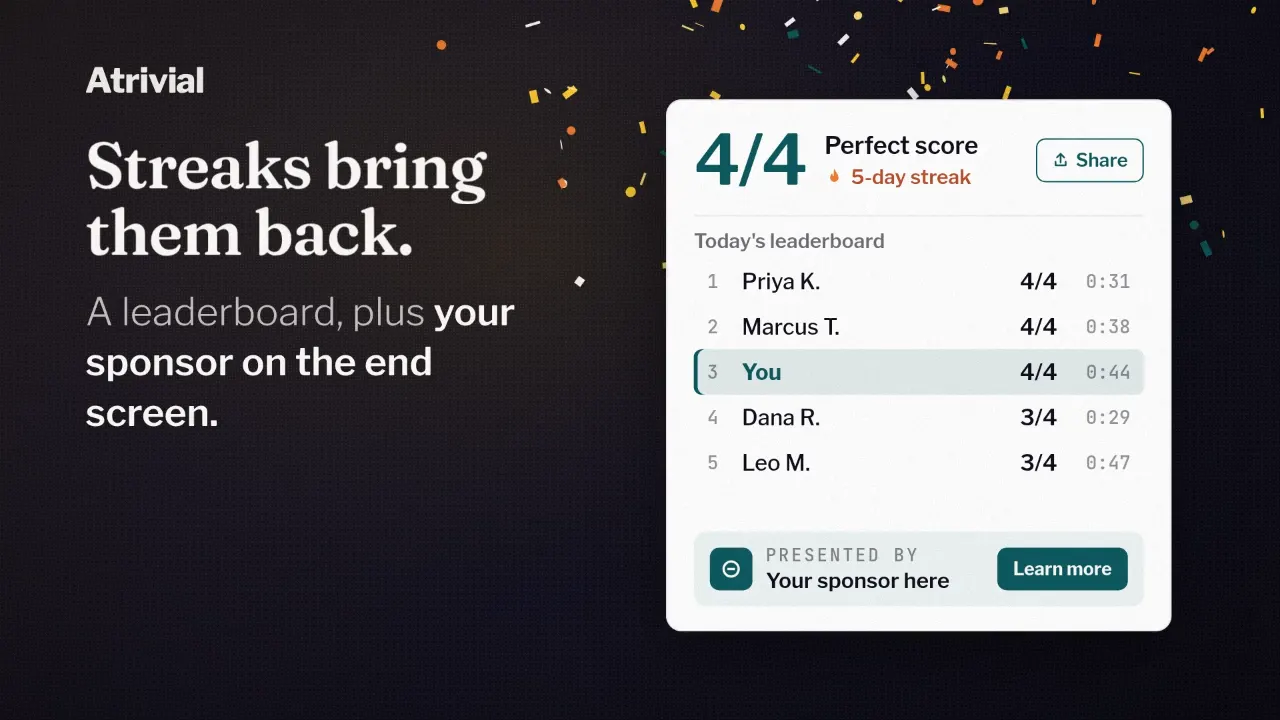
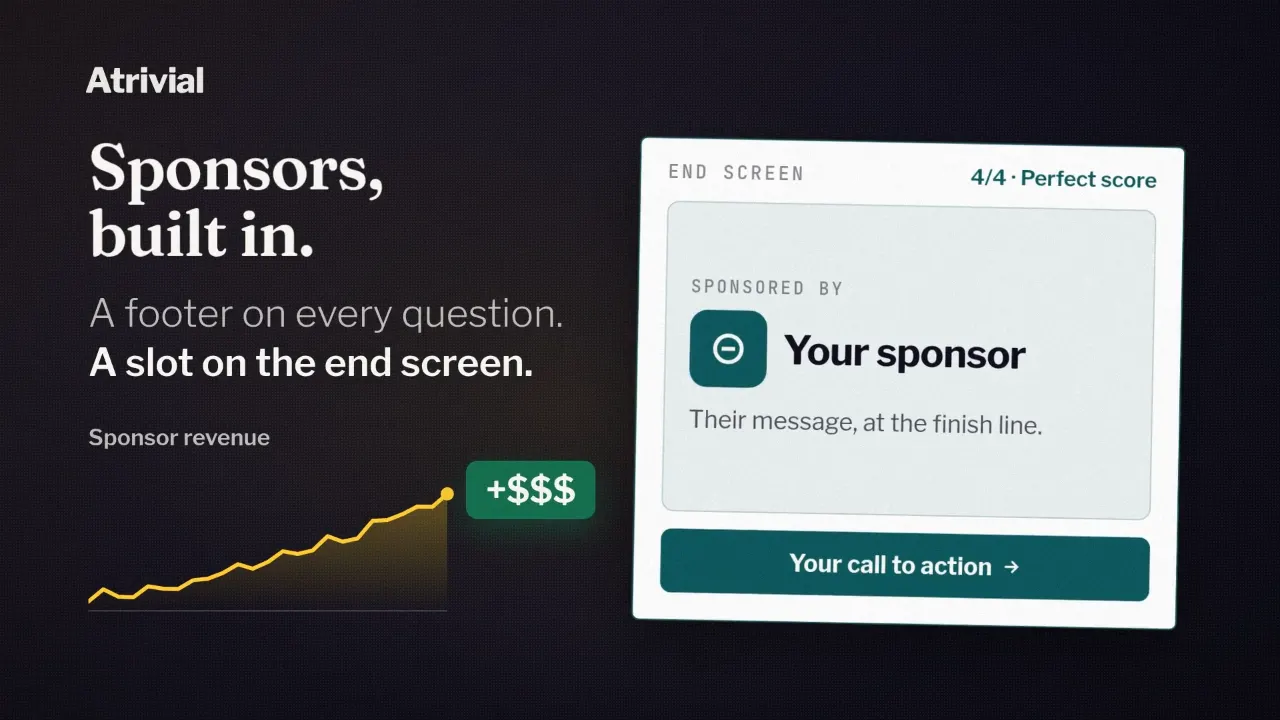
Atrivial applies the tapped choice as the reader's answer to the first question and scores it like any other. Polls work the same way, and the tapped option goes in as the reader's vote. From there the reader works through the remaining questions to the end screen and their score. On Business, that end screen can also carry a sponsor's offer.
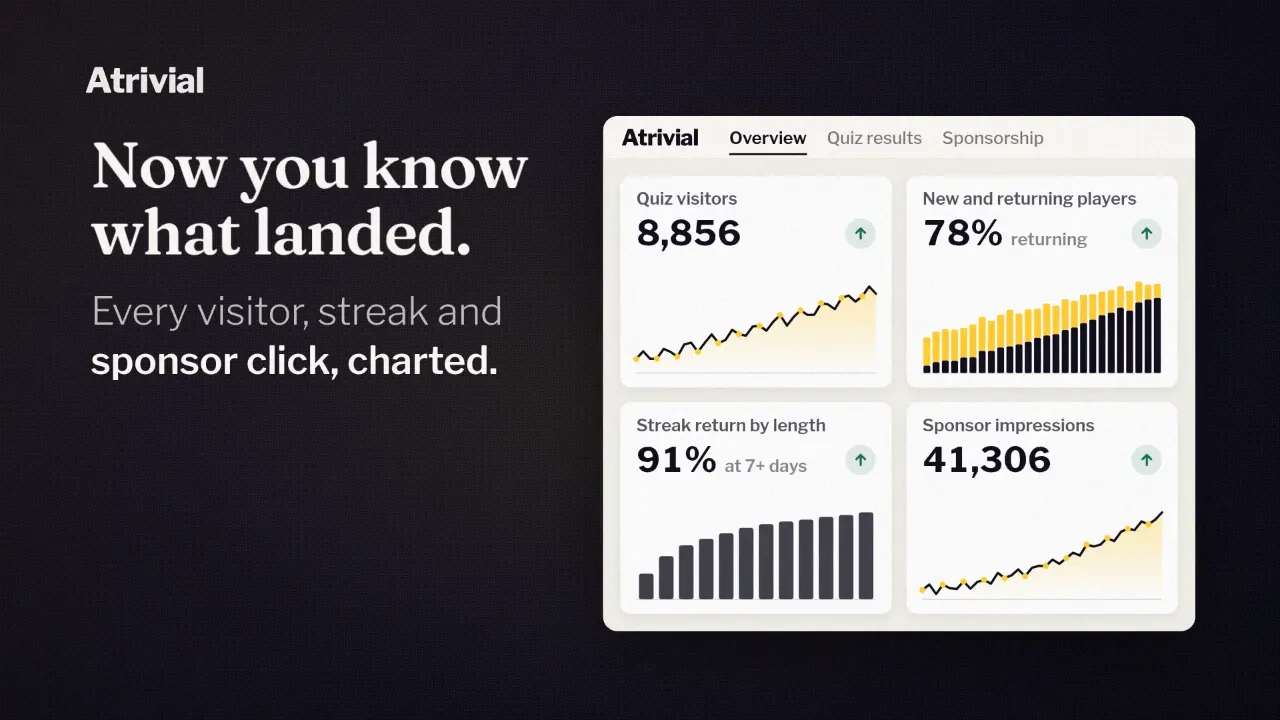
Every answer tap is also logged as an email click in your analytics. A tap on the question alone isn't.
The tap fills in the first question only once. If the reader has already answered it in that browser, tapping a different answer later opens the quiz without changing the first one.
No account, with one catch
Readers play as guests. Atrivial remembers a guest with an ID saved in the browser they play in, so their score and streak carry from one day to the next without a sign-up.
The catch is that the browser is all Atrivial has to go on. A guest who plays on their phone one day and their laptop the next counts as two players. Guest play on atrivial.com and on your own site is kept separate, too. Readers who want one record can sign up, and the guest history in that browser merges into the new account.
If the browser blocks that storage, the quiz still plays, and the ID lasts only for that playthrough.
Try it from the reader's side
Our homepage has a sample newsletter with a live question in it. Tap an answer and the quiz opens with your choice in place, the same way it will for your readers.
Once your own quiz is ready, send a test from your real email platform and tap through to the end screen. Then do it again on a phone, especially if readers will play on your own site.
Every plan includes the email question and the hosted quiz page, and Business adds play on your own site.
Compare plans