Put your quiz on your website
Embed it so readers who tap an answer in your email land on your site.
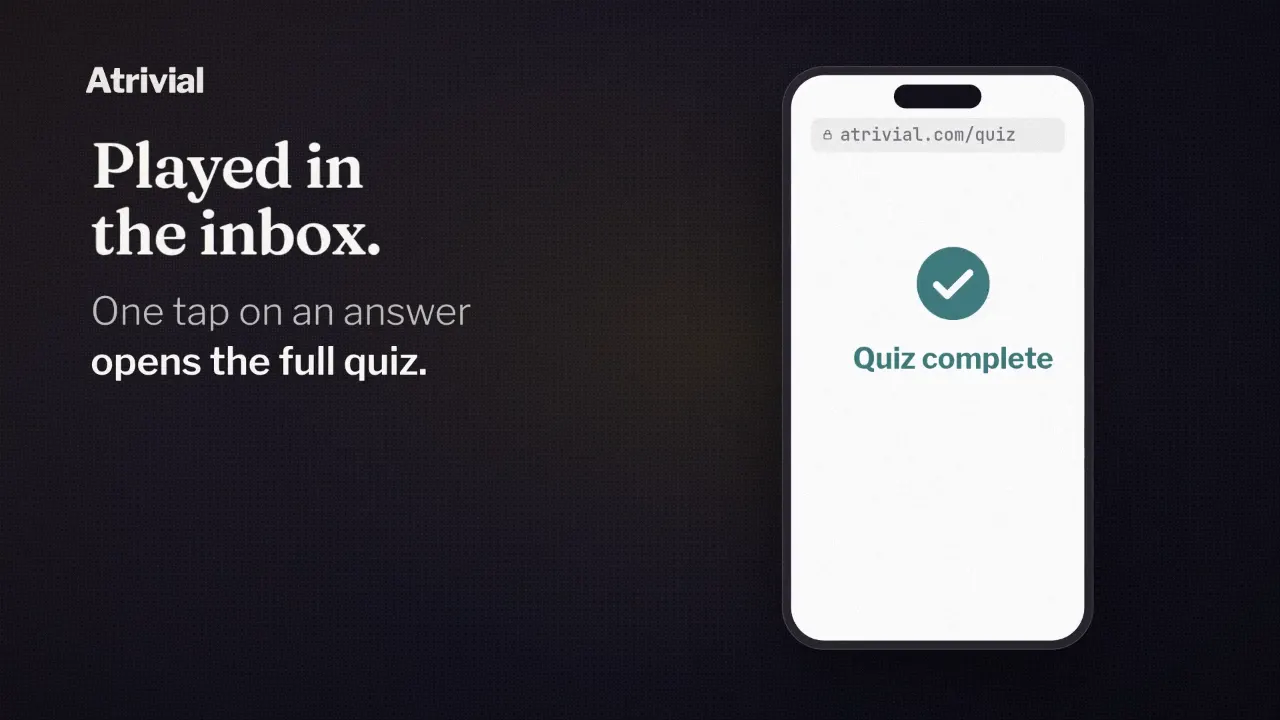
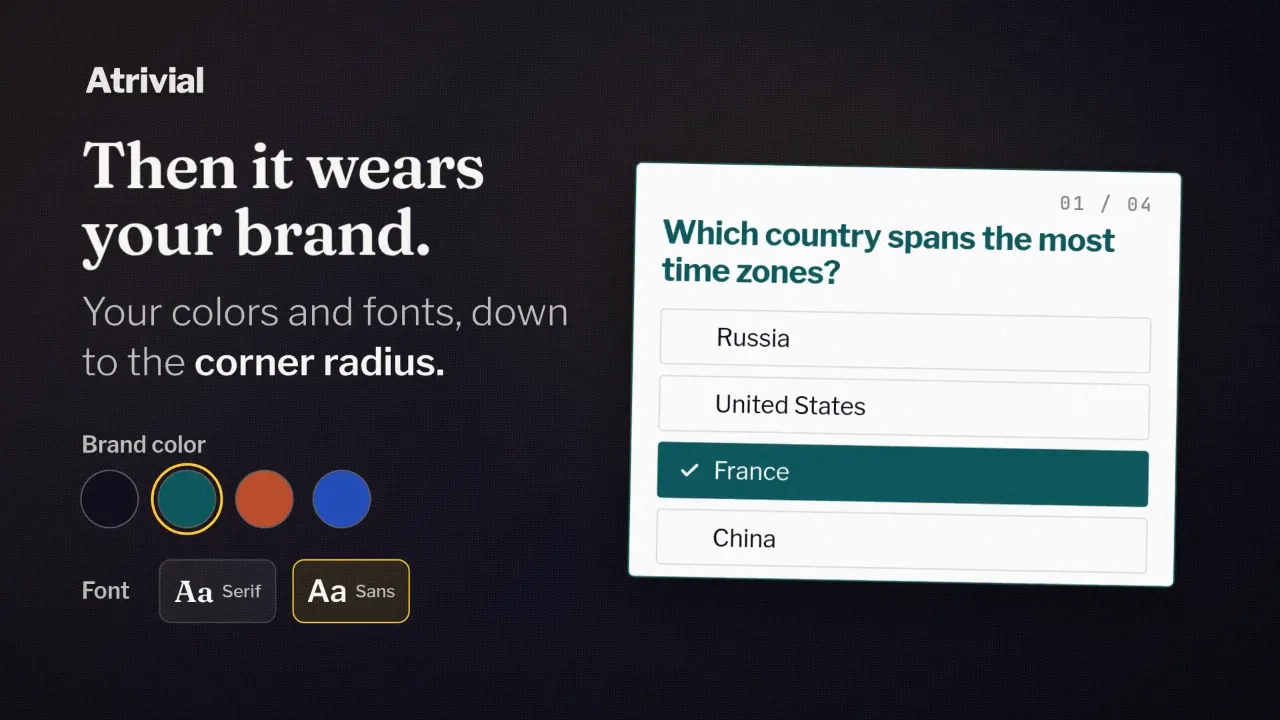
Every Atrivial quiz gets a hosted page on atrivial.com, dressed in your colors and fonts. It's where readers land when they tap an answer in your email, and it needs no setup.
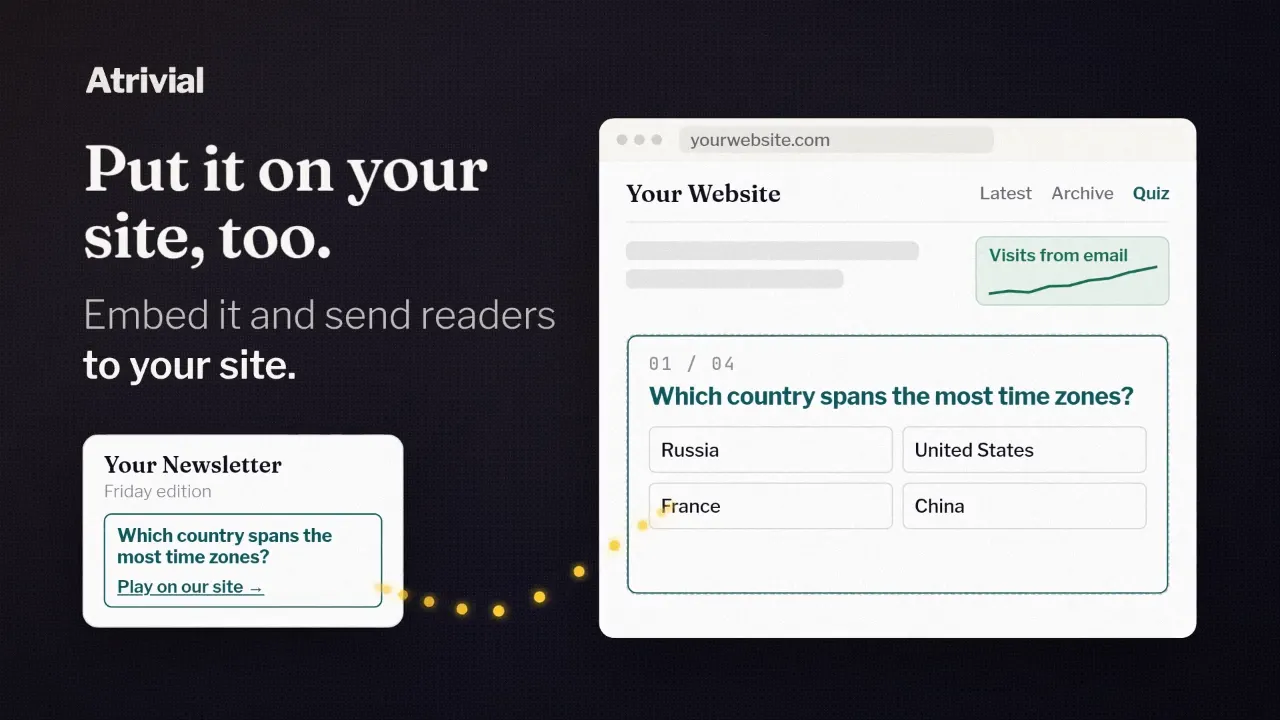
On the Business plan, you can move that quiz onto your own website. A reader who taps an answer in your newsletter then arrives on a page you own, under your site's header, with whatever else you publish sitting below the quiz.
Hosted page or your own site
The hosted page comes with every plan. It suits you if you don't run a website, or you'd rather not touch the one you have. Readers still see your brand. The visit happens on atrivial.com, though, so your own site's analytics won't count it.
The embed puts the same quiz on a page of your site, so the visit lands on your domain, next to the rest of your work. If you sell display ads, or you want quiz players to wander into your archive, that's the reason to do it.
You install the embed once. It points at the quiz itself, so when a recurring quiz publishes a new edition, the same page shows it with no new code. And you don't have to decide on day one. You can start on the hosted page and move the quiz to your site later.
What you need before you start
Website embeds come with Business and Enterprise. On Individual, quizzes play on the hosted page, and choosing My website opens an upgrade prompt.
Business covers up to two websites, and Enterprise sets its limit by contract. The embed only runs on domains you've approved. Add yours in Account under Embed and Approved domains, as the bare domain without a path. Until one is approved, Output won't show embed code.
You also need a public page for the quiz and a way to add code to it. If someone else manages your site, send them the code and the page URL.
Setting it up
Leave the quiz on Atrivial-hosted until the new page passes a full playthrough on desktop and on a phone. Email taps keep going to the hosted page in the meantime, so nobody lands on a half-built page.
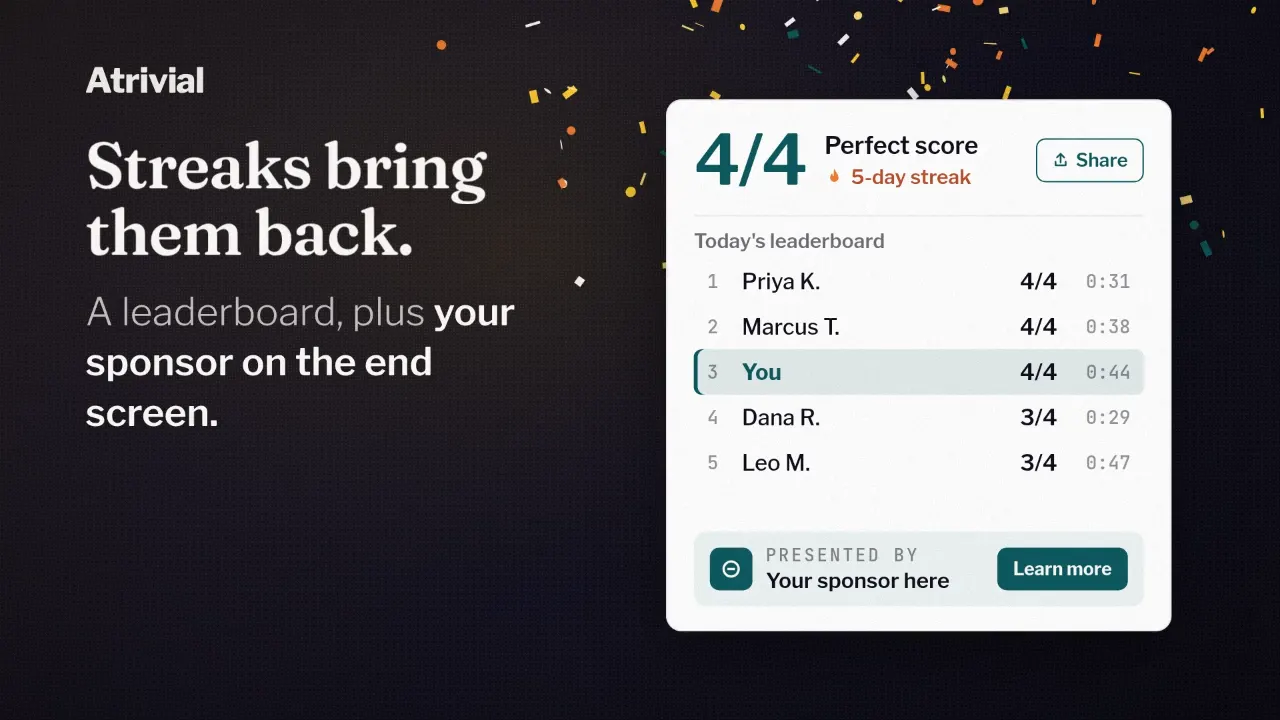
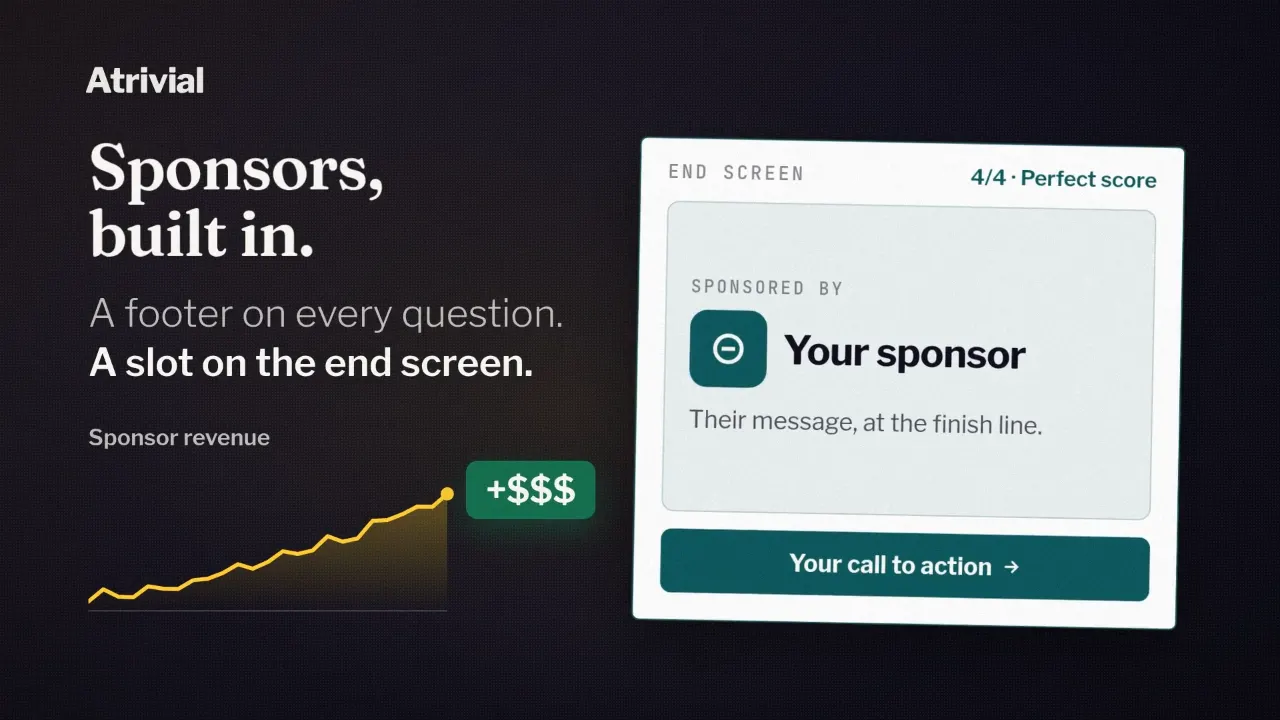
If you sell sponsorships, your Style & Sponsors settings apply to the embedded quiz too. Check that the sponsor footer and end-screen offer show up and open the right link during that playthrough.
- Create or open a public page just for the quiz and copy its full URL.
- In Account, add the page's domain under Approved domains.
- Open the quiz, select Output, expand View embed code below View link and copy it.
- Add the code to the page directly under your site header, with ads, sign-up forms and other content below it.
- Play the quiz all the way through on that page, on desktop and on a phone.
- In Style & Sponsors, set "Where will players play this quiz?" to My website.
- Paste the page URL into Quiz page URL and leave the field. The quiz header shows Saved.
Which code, and how tall
On Business, Output gives you the JavaScript Loader, the version we recommend. It carries a reader's email answer onto your page and supports sign-up forms. If your site rejects or strips it, Atrivial Support can give you a Basic iFrame version. That one suits WordPress and website builders and works where extra scripts are blocked, but email answers and sign-up forms don't come through.
The Website embed card in Output has a Height setting. Full viewport is the recommended default, Standard is 700 pixels, and Custom takes a whole number from 480 to 2,000. The copied code carries that value as data-height, so leave the iframe height out of your site's CSS.
After you switch
With My website saved, answer links in your email open your page instead of the hosted one, and the tapped answer comes along. Each tap passes through Atrivial on the way, so this covers emails you've already sent, too.
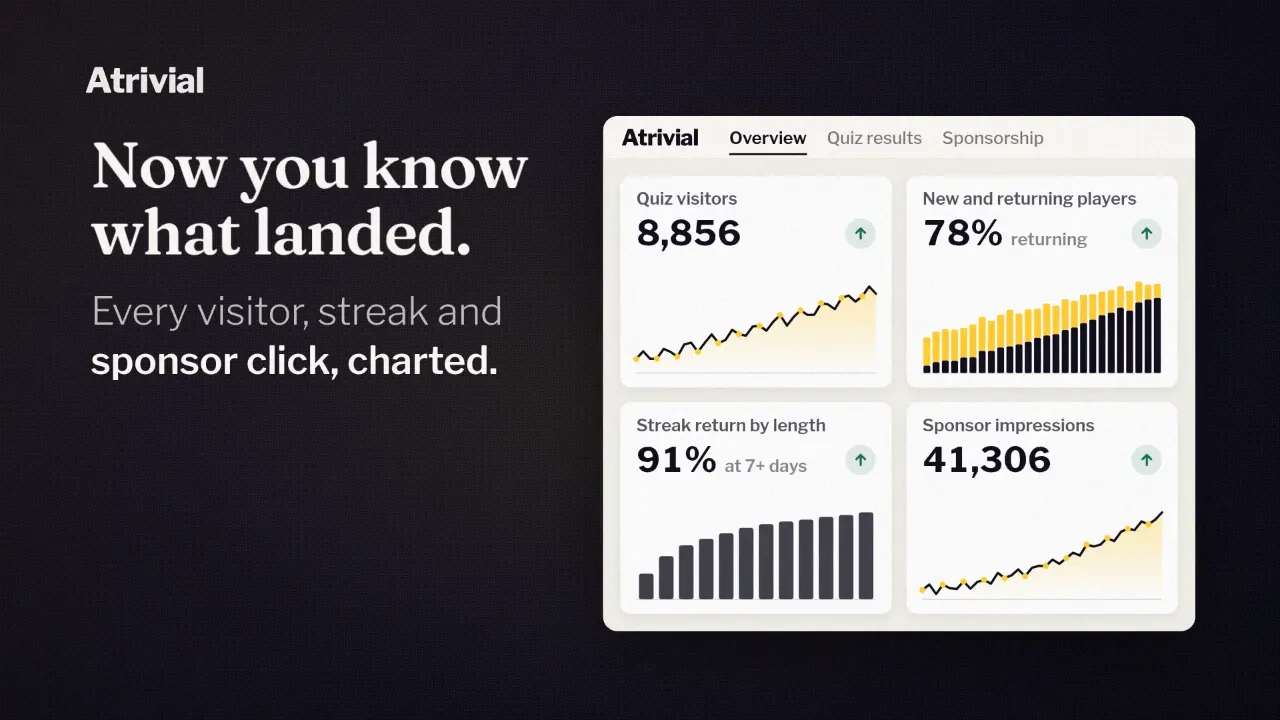
Atrivial tags those links with utm_medium=newsletter, so analytics tools that read UTM tags can file the visits under newsletter traffic. Inside Atrivial, Business adds embed views and session duration to your analytics, with 90 days of history.
Two limits are worth knowing. Readers who play without an account are remembered separately on atrivial.com and on your site, so if you move a quiz that's already running, their streak won't carry over. And if you move from Business to Individual, answer links go back to the hosted page.
The setup guide covers every step and how to tell each one worked.
Read the embed setup guide