How shared scores bring in new readers
Every shared score links back to your quiz.
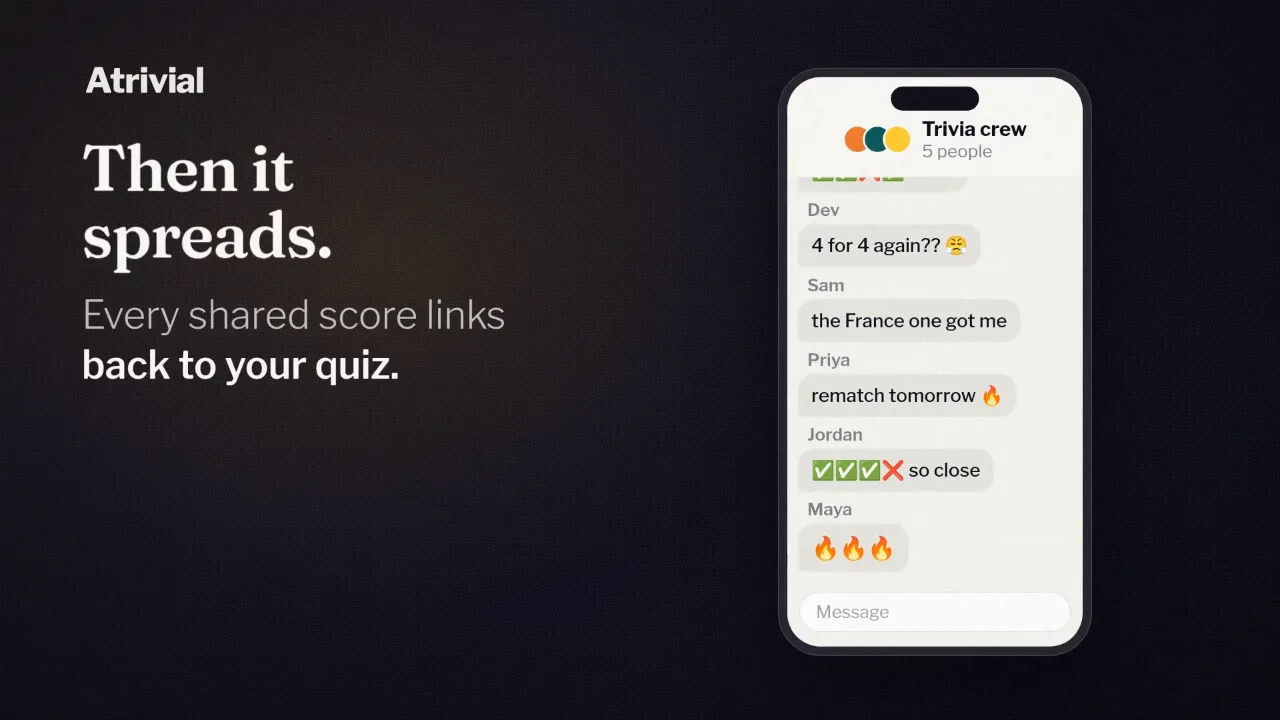
Asking readers to forward your newsletter can feel awkward. Sharing a quiz score doesn't, because the reader is showing off their own result.
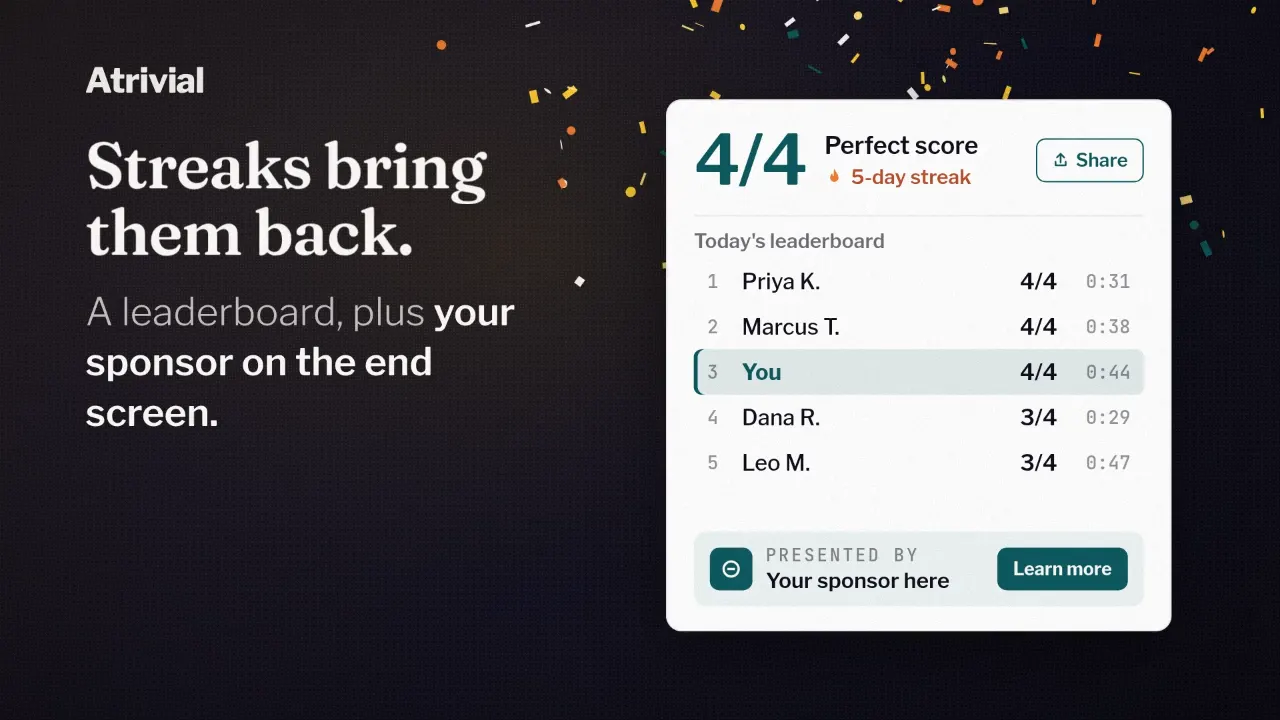
When someone finishes your quiz, the score card on the end screen has a Share Score button. Every message it creates carries a link that leads to your quiz. Below is what that message contains, where the link goes, and the limits worth knowing before you count on it.
What the share button sends
The button is labeled Share Score. The message it creates is a few short lines, followed by a link:
- A row of emoji, one per question. ✅ means right on the first try, 2️⃣ and 3️⃣ mean right on the second or third try, ❌ means missed, and 📊 marks a poll.
- Your quiz's title.
- The reader's accuracy and points.
- A link that starts with atrivial.com/share/.
How readers send it
Where the browser supports it, the button opens the device's share menu, and the reader picks the app. Everywhere else it copies the message to the clipboard, and the button switches to a Copied! label for a few seconds. Some browsers block the share menu inside an embedded quiz, and there the button copies instead. Guests can share too. Nobody needs an account.
Sharing is always the reader's choice. Nothing goes out unless they tap the button, and the message carries only their result. The share page it links to shows the name they picked for the leaderboard, or no name at all.
The message never includes a question or an answer. A friend who sees the emoji row learns how the reader did and nothing about what the quiz asked, so they can still play it cold. For a news quiz that matters, because a spoiler in a group chat would give away the story along with the answer.
Where the link goes
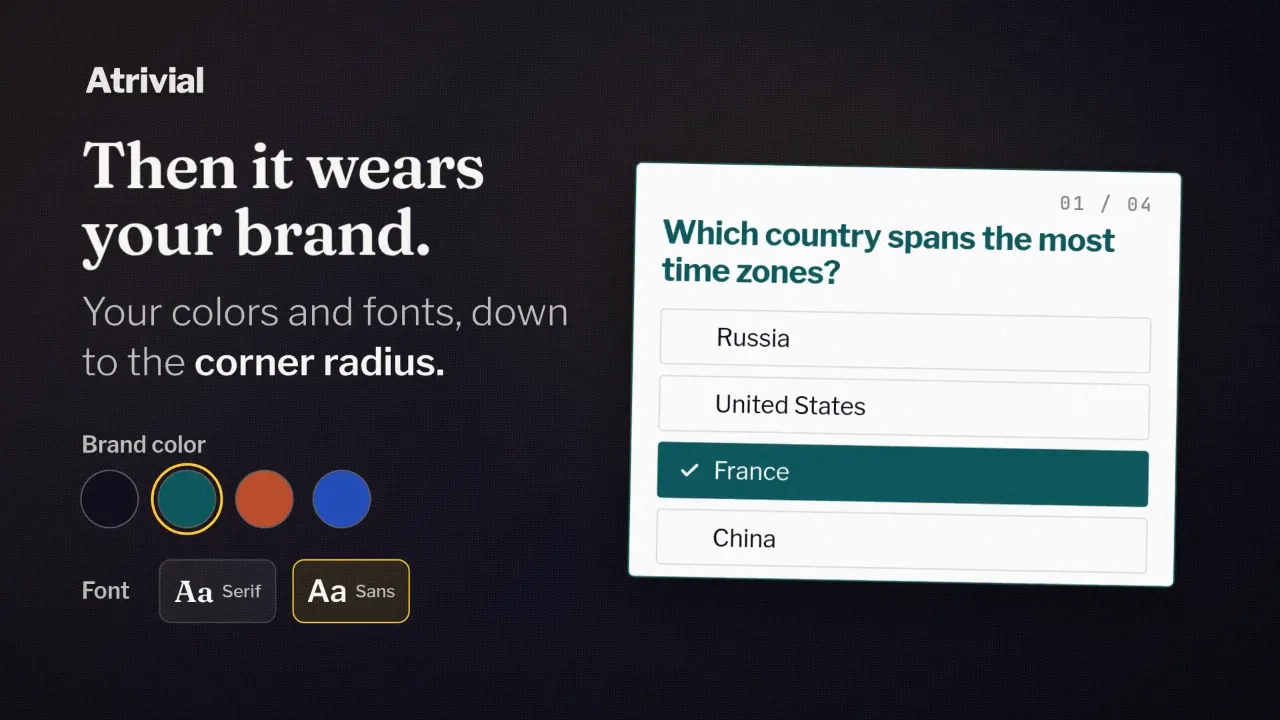
The link opens a share page on atrivial.com. At the top it says whose score it is, using the name the reader picked for the leaderboard, or "A player's score" if they never picked one. Below that are your quiz title, the emoji row, the accuracy and points, and a Play this quiz button. If you've set a custom style for the quiz, the share page uses it.
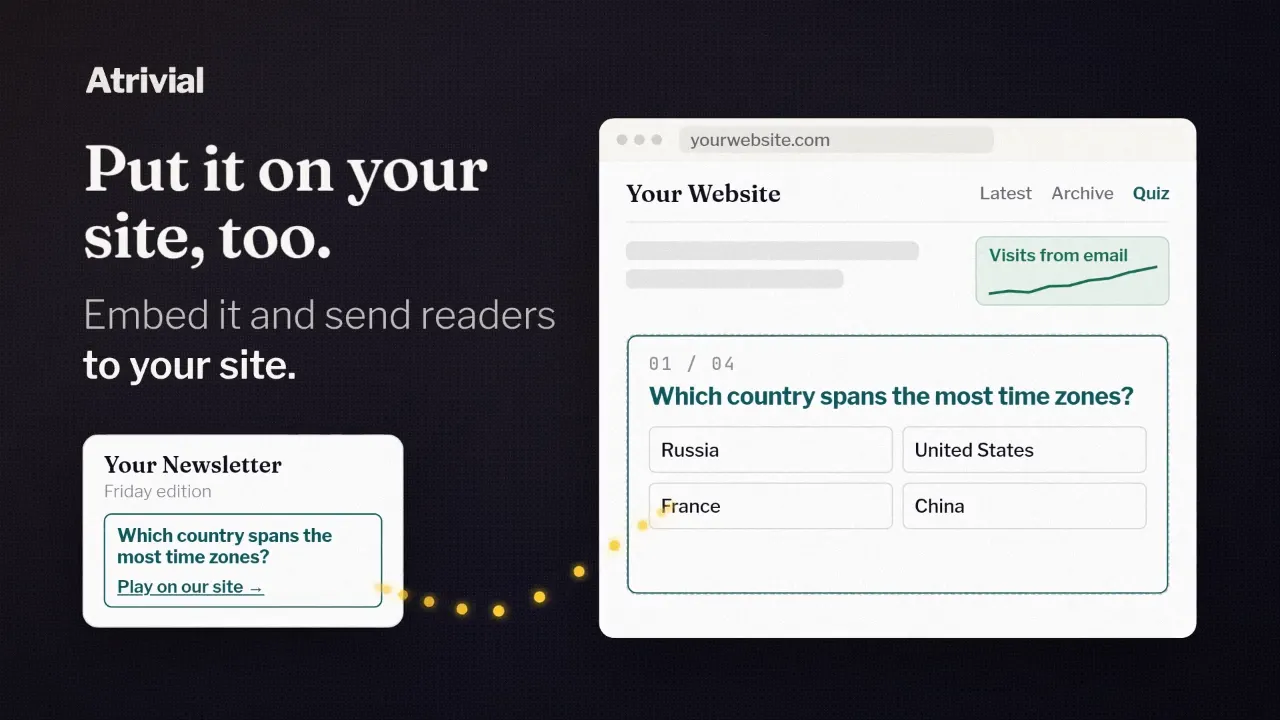
Play this quiz opens your quiz on its Atrivial-hosted page, in your branding. It goes there even if you've embedded the quiz on your own site, so a shared score won't send anyone to your website.
Atrivial's name does show up along the way. The link is on atrivial.com, and when someone pastes it into a chat or social app, the title in the link preview ends with Atrivial.
Invites and groups keep new players around
A share brings someone in once. If you've turned on leaderboards, the next steps give them reasons to stay. When a reader has nobody on their Friends board yet, it shows an Invite a friend button. The invite opens a page with a button to play with that reader by name, and the next screen lets the two of them add each other as friends.
Readers can also make a Group on the leaderboard and pass it around with Share Group. That suits a family or an office that wants its own ranking for every edition. From there, a new player is in the same streak and leaderboard loop as your regulars.
Limits, and what changes by plan
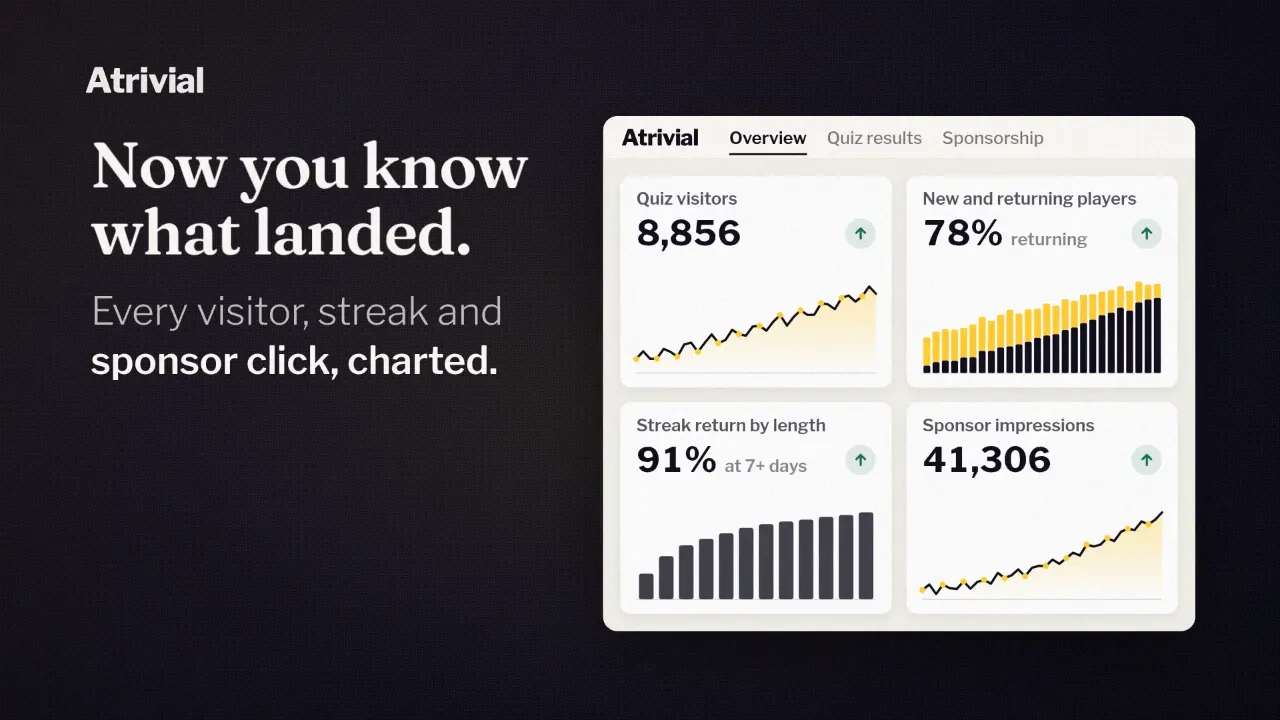
Players who arrive through a shared link play your quiz like anyone else. Your analytics don't currently show how many scores were shared or which players came in through one, so you can't credit growth to sharing with a number.
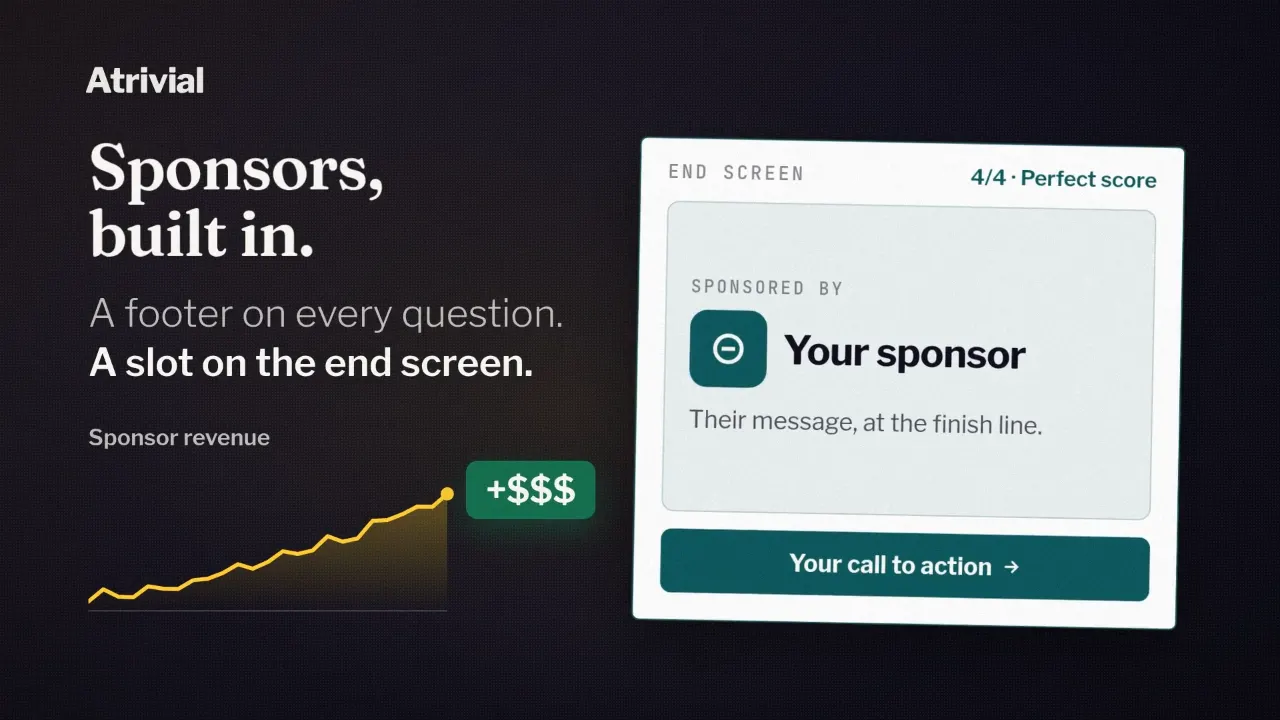
Share Score comes with both plans. Business adds a Custom CTA card for the end screen, such as an email signup, so a friend who arrived through a shared score sees your offer as soon as they finish. Custom end-screen calls to action aren't part of Individual.
Share Score comes with both plans, and Business adds an end-screen card where new players can sign up for your newsletter.
Compare plans