Add a quiz to every Kit email.
The Atrivial Quiz block generates each quiz from your recent Kit emails, and readers answer the first question right in their inbox.

Trusted by newsletter operators









Set it up in Kit.
Install Atrivial from the Kit App Store.
Approve the connection once, and the Atrivial Quiz block shows up in Kit's email editor.
Drop the block into your email.
Place it anywhere in a draft, like any other Kit block.
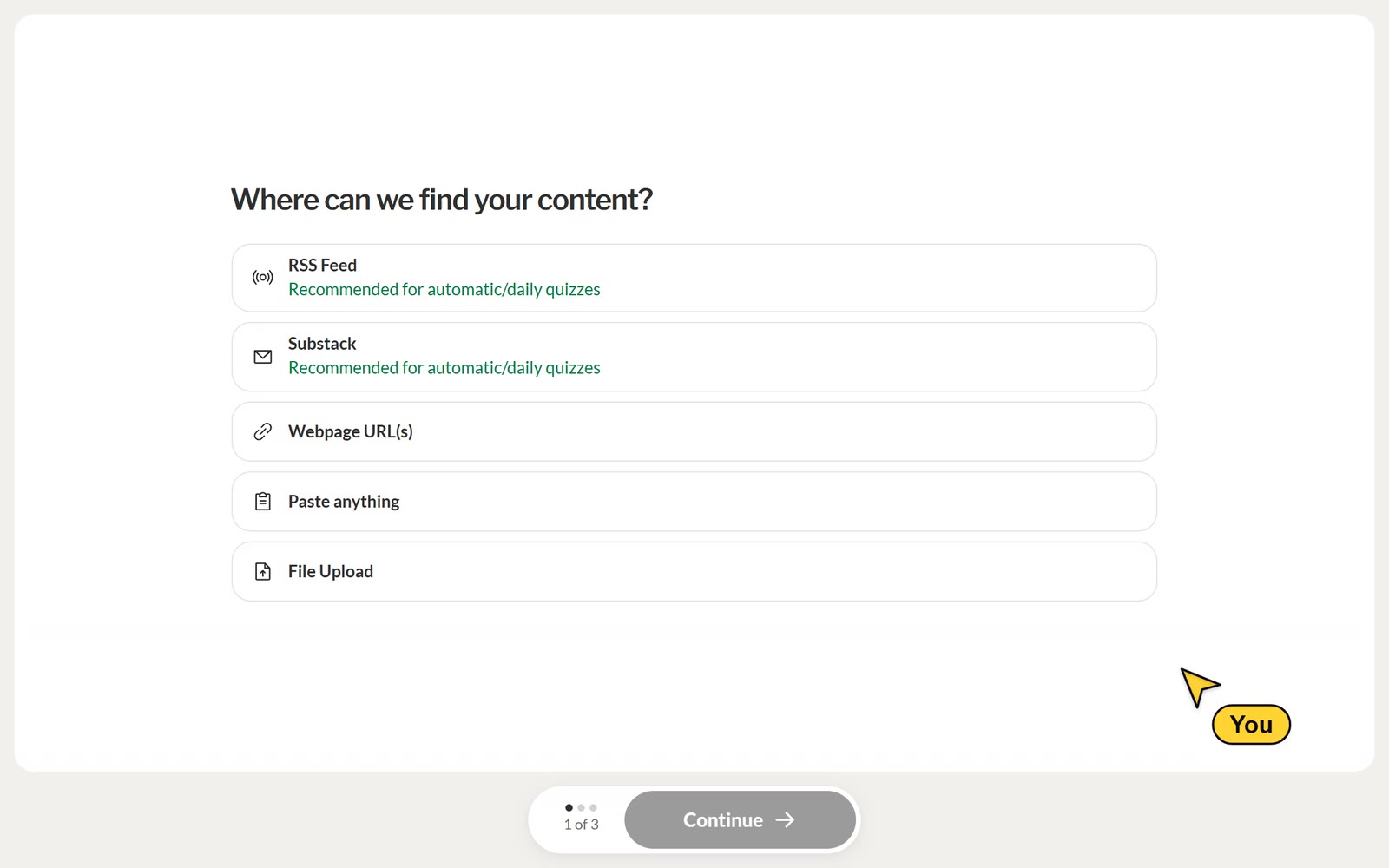
Pick where the quiz comes from.
Emails uses your recent Kit emails. Paste takes an article link or text, and Library reuses a quiz you've already made.

Why Atrivial?
Why engagement decides what a newsletter earns
Your subscriber count gets a sponsor's attention, but engagement decides what they'll pay and whether they come back. It's also what keeps readers around long enough to upgrade, reply or recommend you.
Read the full article
Works with the tools around your newsletter.
Kit creators can add an Atrivial Quiz block to their emails now. See the Kit setup guide. Integrations with SparkLoop, HeyNews, and CrossLetter are coming soon.
Contact us about integrations Live
Coming soon


Go deeper on any step.
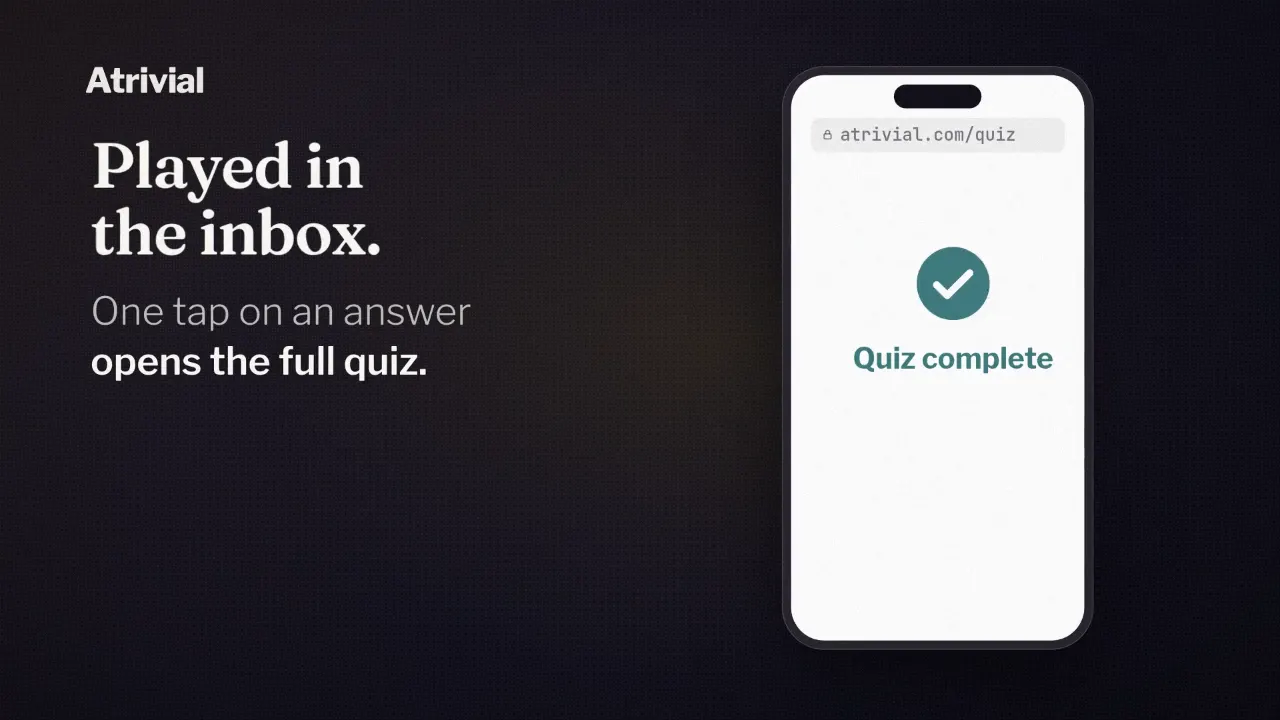
How readers play from the inbox
One tap on an answer opens the full quiz.
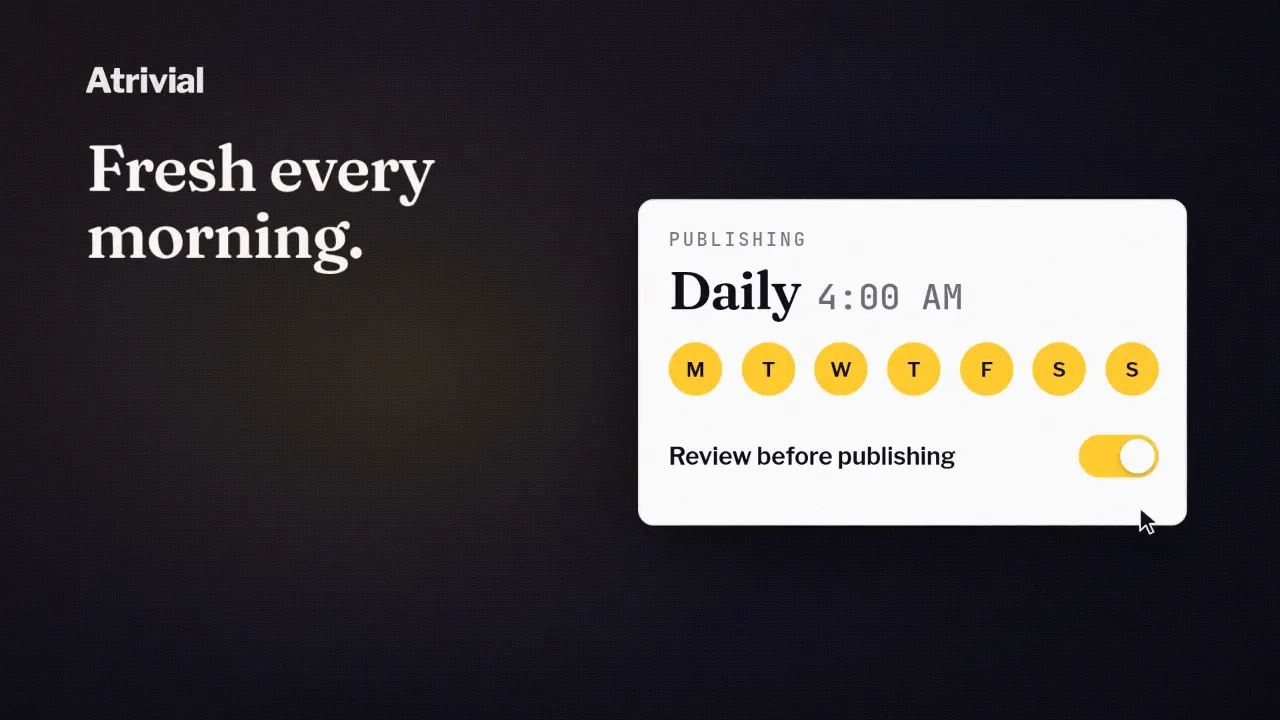
A fresh quiz every morning, on your schedule
Set it once, then review each new quiz before it goes live.
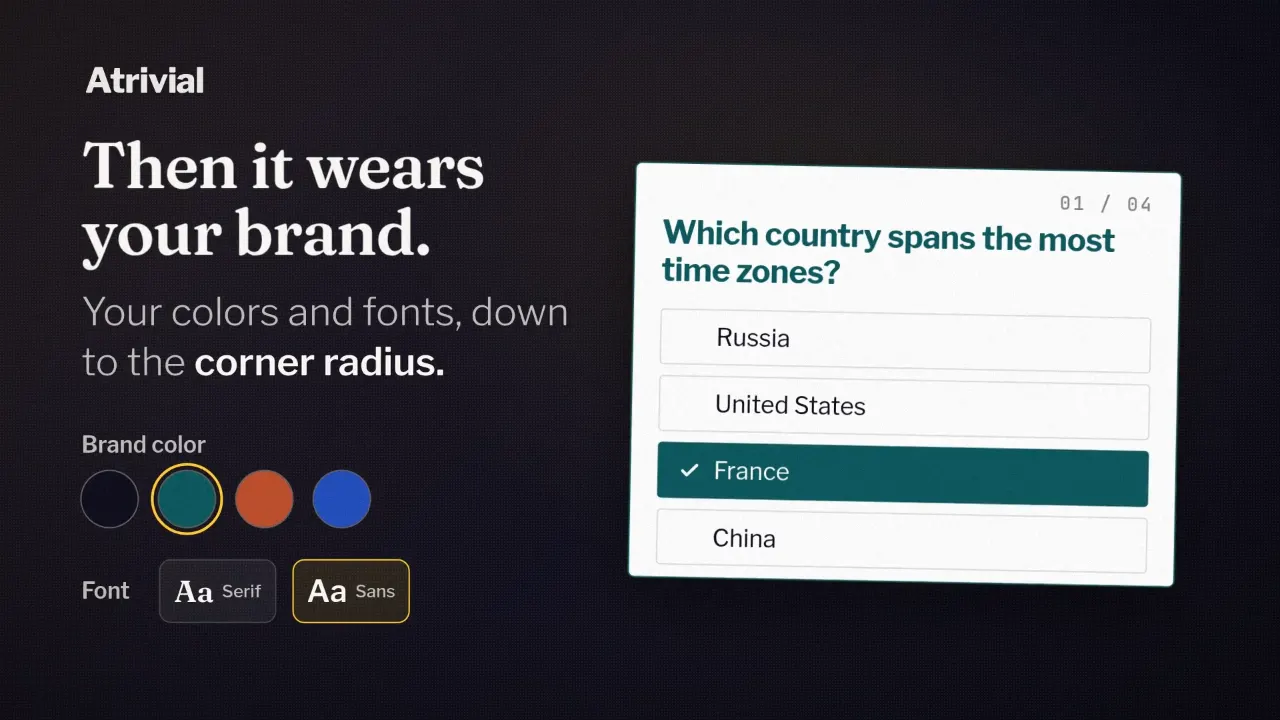
Match every quiz to your brand
Your colors and fonts carry through every screen, down to the corner radius.
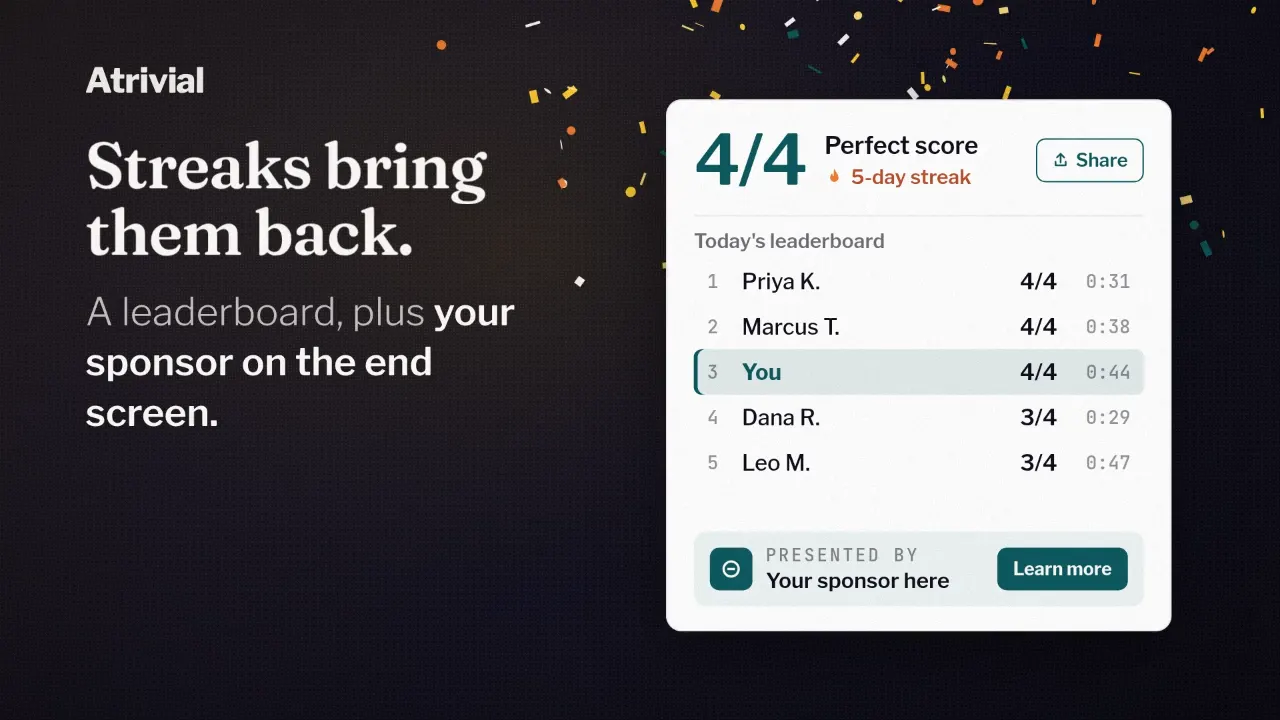
How streaks bring readers back
A streak and a leaderboard give readers a reason to come back for your next edition.