Can you put a quiz in an email?
The first question can sit in your newsletter, and one tap opens the rest. When to answer in the email and when to click out to a page.
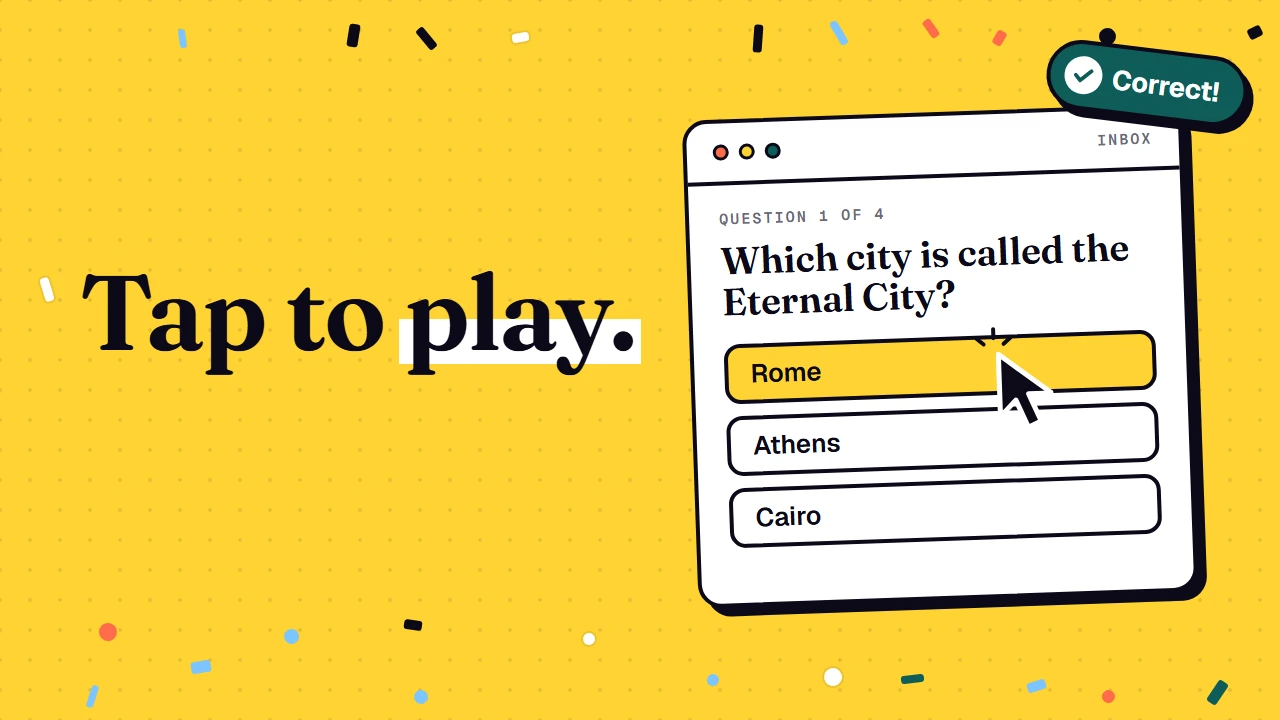
Yes, with one catch. The first question can sit right in your email, and the tap that answers it opens the rest of the quiz on a web page. The whole game can't run inside the inbox, because inboxes don't run the code a game needs.
That leaves two ways to do it. Readers can answer the first question in the email, or they can click out to a page and start there. Each one fits a different newsletter.
What an inbox can and can't do
An email can show text, images, buttons and links. It can't check an answer, keep score or remember who played, since email apps strip out scripts to keep readers safe.
Underneath, then, a quiz in an email is a set of links. Each answer opens a page, and the page does the scoring.
Answer in the email
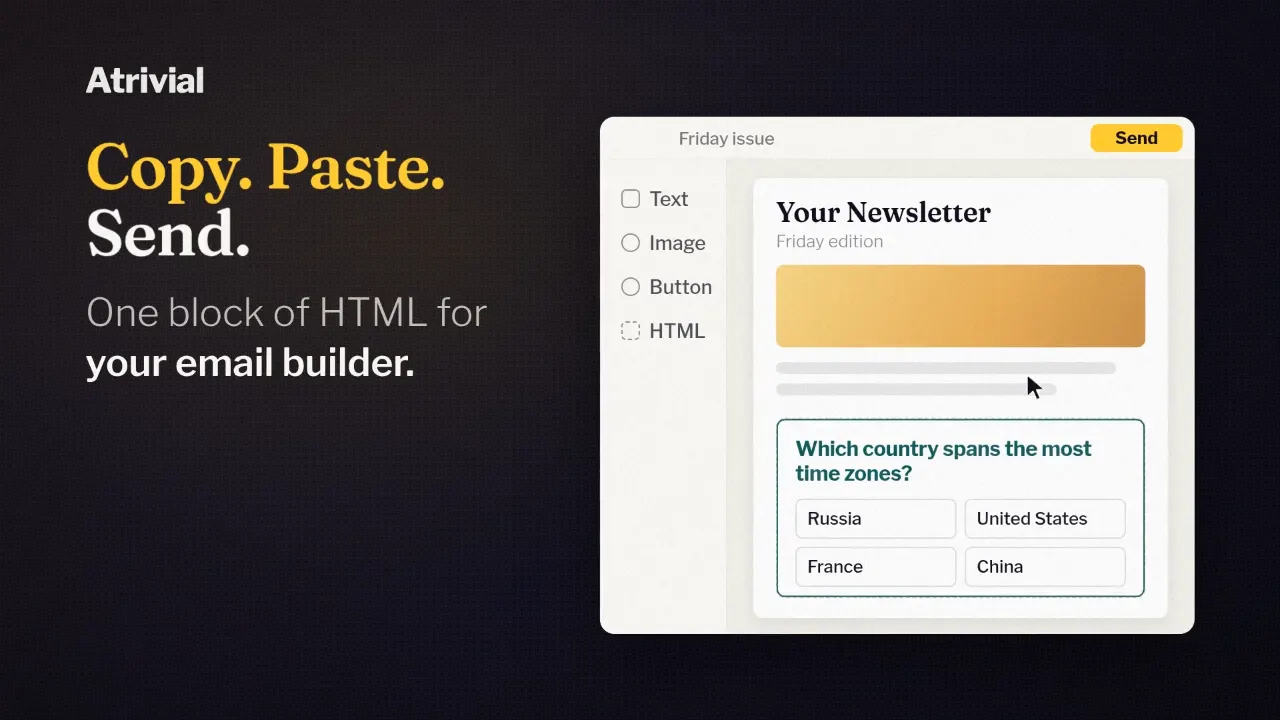
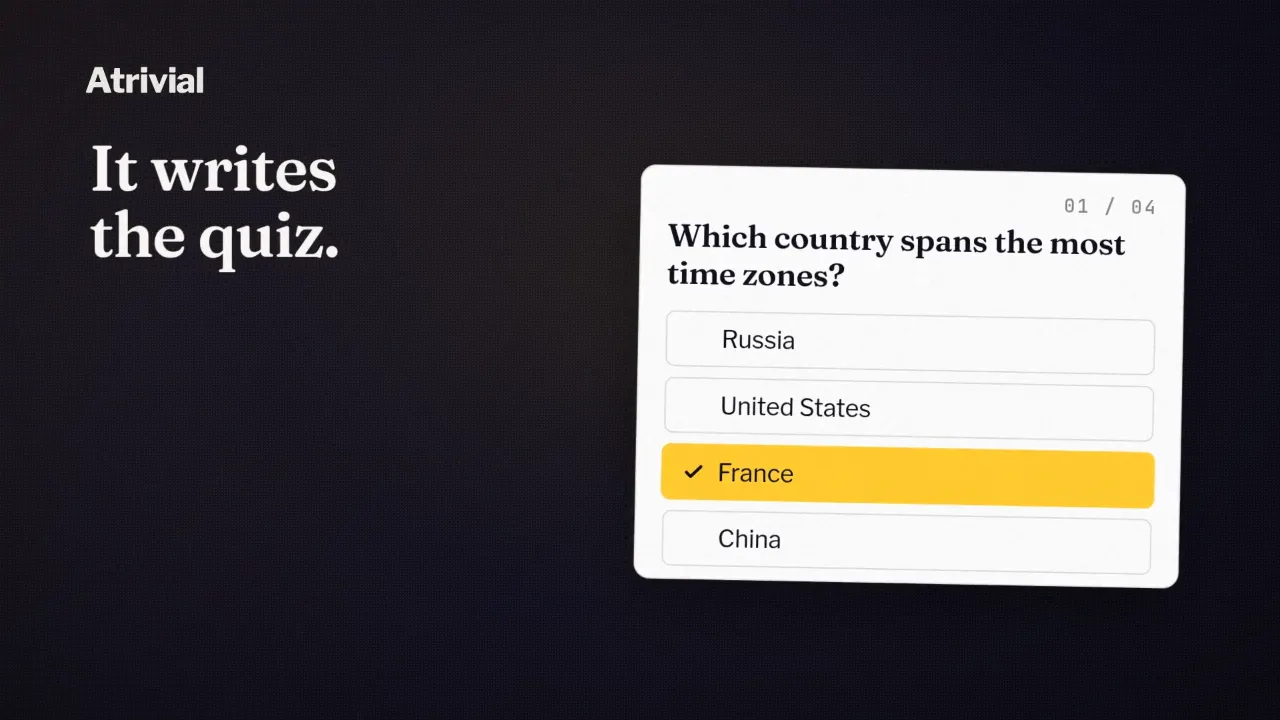
Here the question and its answer choices sit in the issue itself. A reader taps an answer, and the quiz opens in their browser with that answer already chosen. They see whether they got it right, then play the rest.
The upside is momentum. Readers see the question the moment they open the issue, and answering takes one tap. There's no "play this week's quiz" button for them to skip.
The inbox sets the limits. Only the first question lives in the email, and the look depends on each reader's email app. Hover effects may flatten out, so keep answer labels short and clear. Your platform also has to accept custom HTML, or offer a block that does the work for you.
Click out to a page
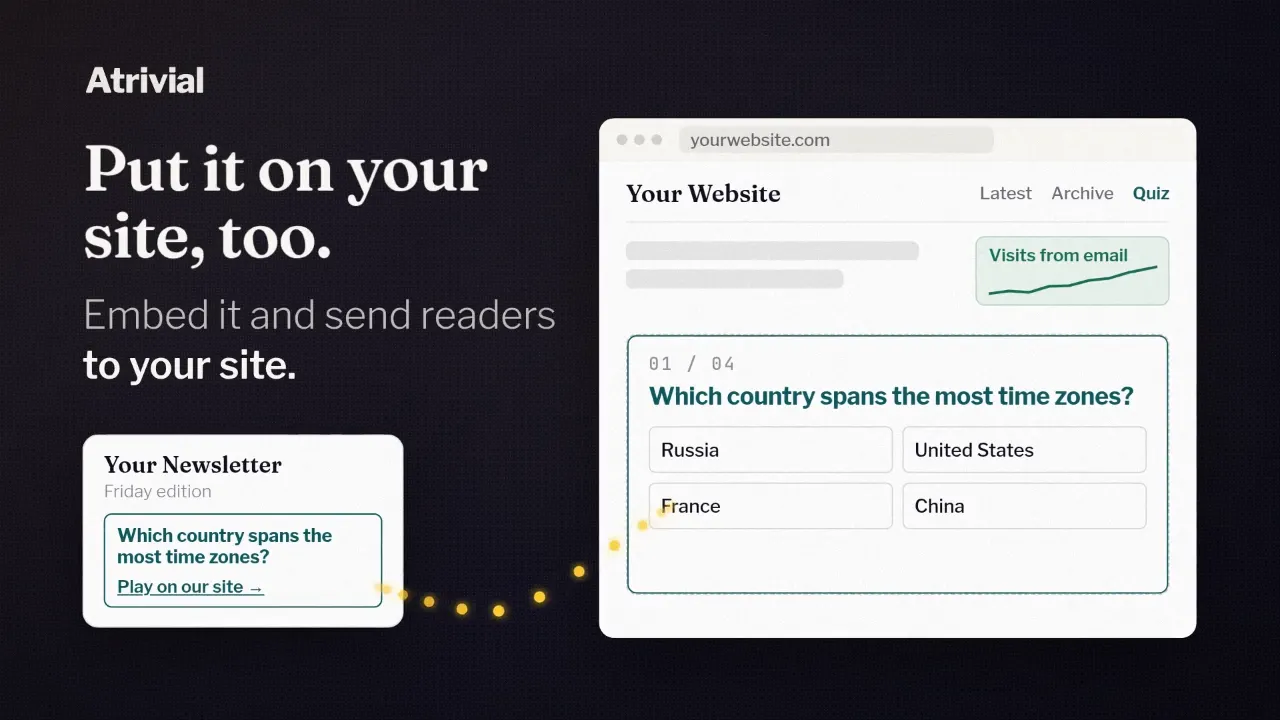
The other way is a button or link in your issue that opens the quiz on a web page. It works on every platform, since every email app can show a link, and the page can hold as many questions as you like.
You pay for that reach with one extra decision. A button asks readers to choose to play before they've seen anything to play. A question in the email skips that step.
When each one makes sense
Answer in the email when the quiz is a regular part of the issue, built from your own content, and your platform can carry it.
Some email platforms have a poll block built in, for a single question you write. Quiz tools go further, and some plug straight in. Kit, for example, has a native Atrivial Quiz block you add to any email. On platforms that take custom HTML, you paste the quiz's code into the issue instead.
Click out when the quiz runs long, when it's a one-off, or when your platform won't take custom HTML. A link always works, and you can move the first question into the email later.
What a good in-email quiz has to do
Whichever tool you use, check it against these before you commit.
- It works with your platform, through a native block or one paste of HTML.
- It carries the reader's answer through the tap, so they see their result right away.
- It updates itself for each new edition, so you aren't pasting new code every issue.
- It falls back to a plain link where your platform won't take custom HTML.
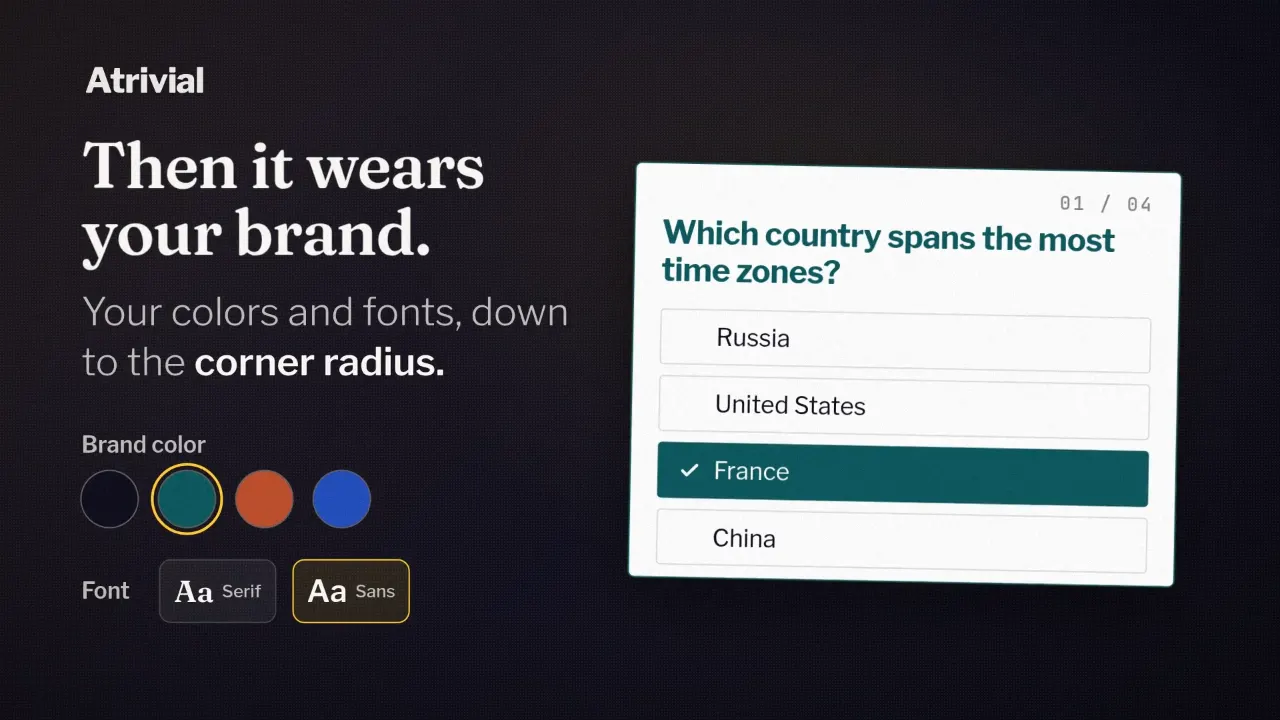
- It looks like your newsletter, in the inbox and on the page.
What to test before you send
Whichever way you pick, send a test from your own platform before the issue goes to readers.
- Check that the question and answers look right in the delivered email.
- Tap an answer and make sure the page opens with that answer chosen.
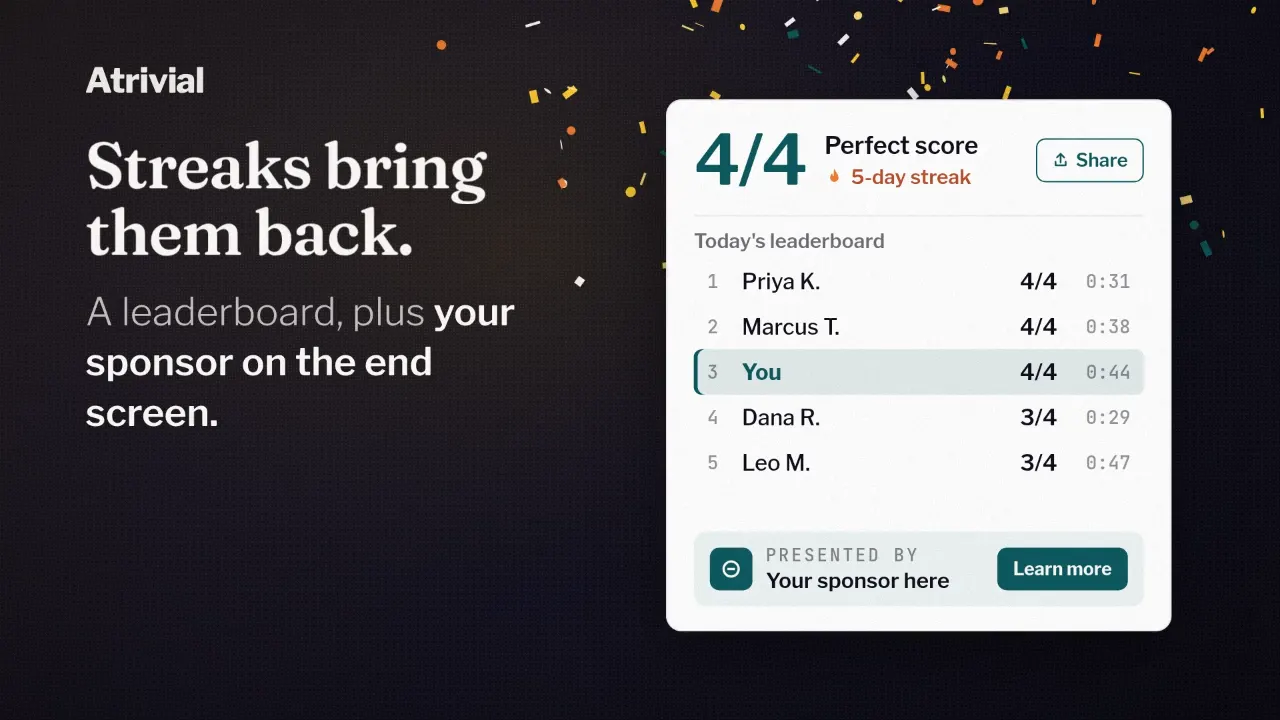
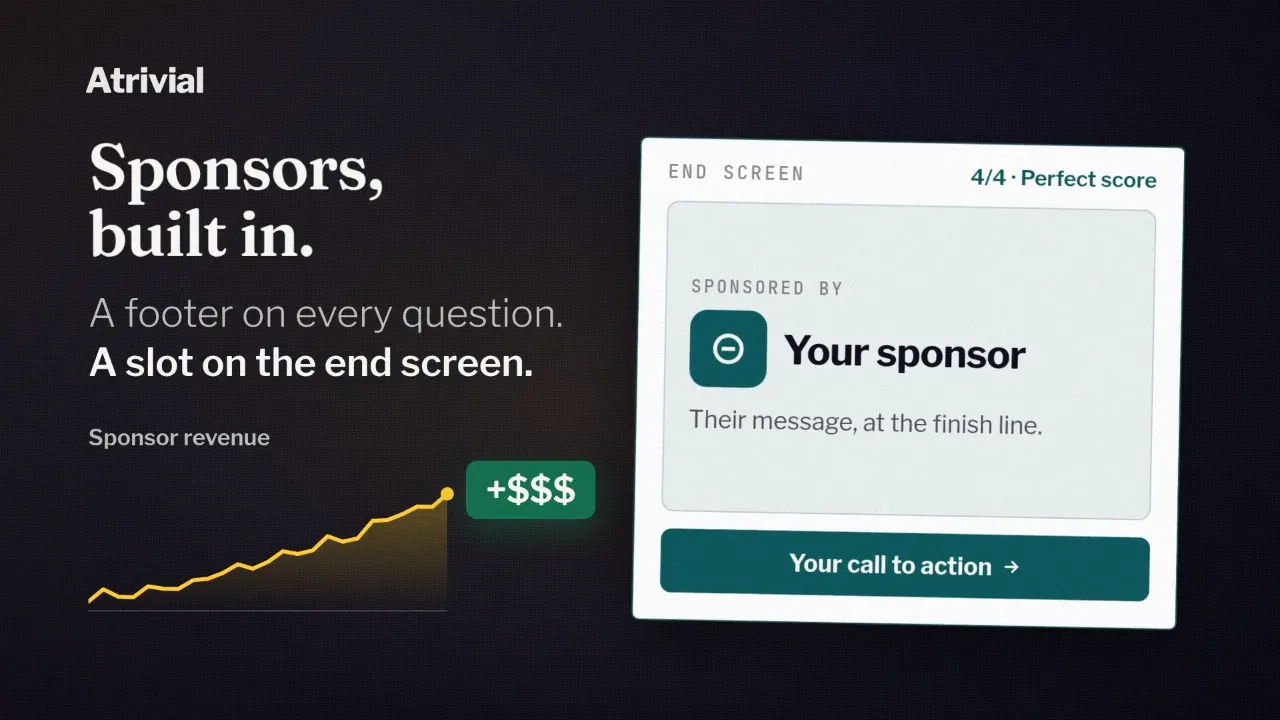
- Play to the end and check the result screen and any sponsor link.
- Do it all again on a phone.
Want to see what your readers will play?
Try a sample quiz